
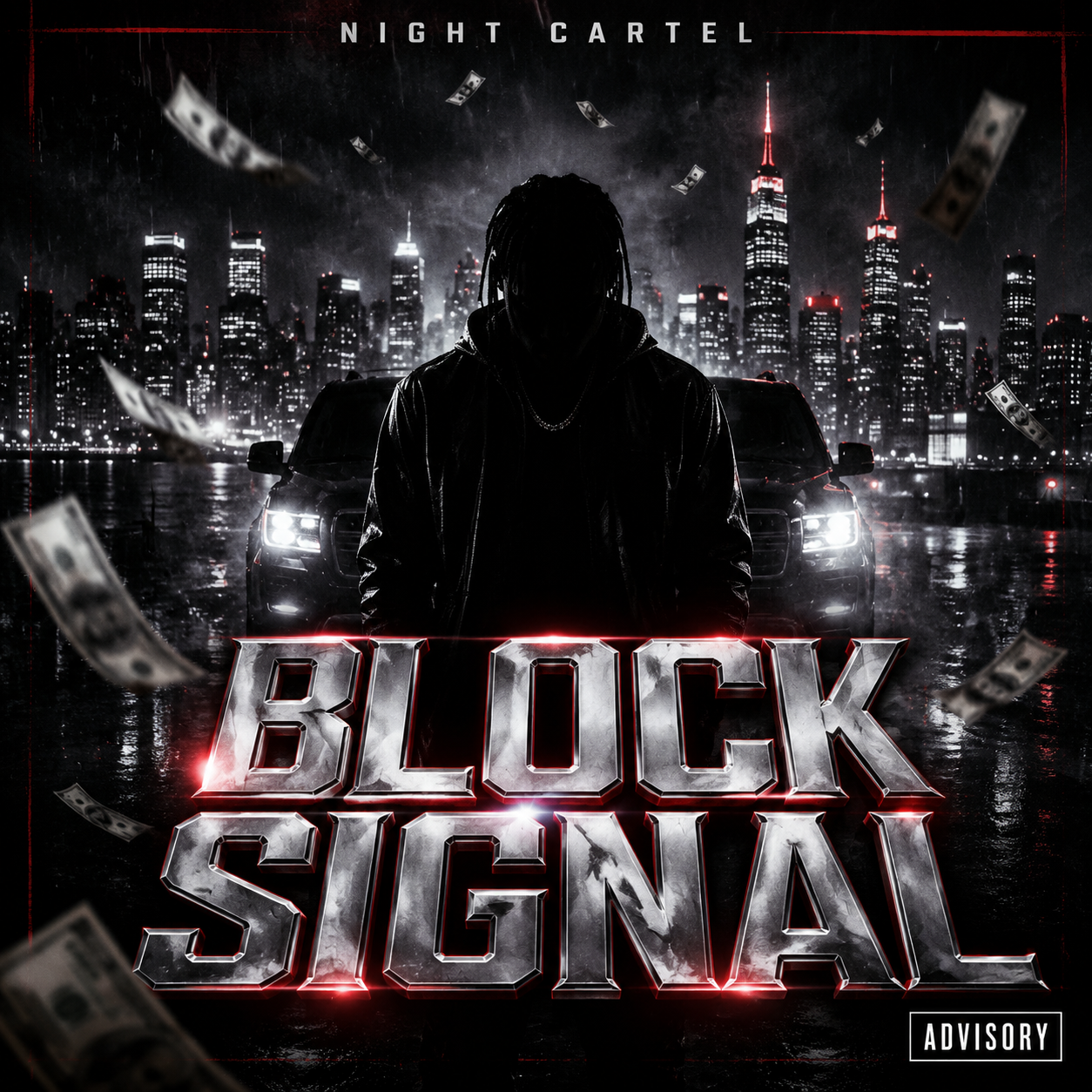
A hard street-rap cover direction with city lights, money motion, advisory placement, and bold text.

A bright K-pop single cover with a translucent candy sculpture and orderly chrome lettering.
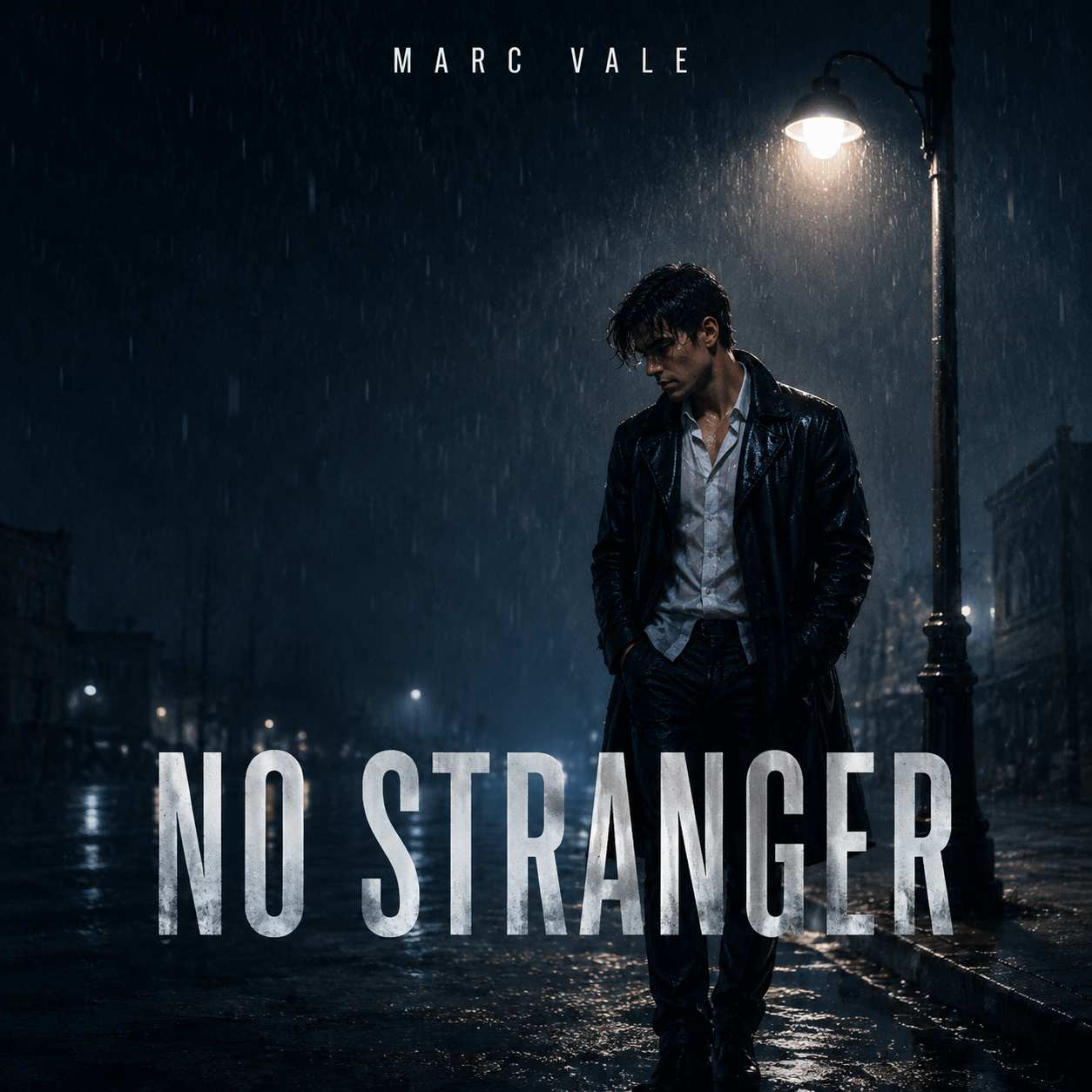
A moody photo-to-cover template for users asking for themselves in rain, dark streets, and clear title text.

Create a premium portrait-based album cover with gold accents, jewelry detail, and polished typography.
When to use it
Use this workflow for album covers, singles, mixtapes, EPs, playlist art, and music release artwork.
It is especially helpful when you know the genre and mood, but need a visual direction that feels release-ready.
Supported inputs
Start from the artist name, title, genre, mood, visual references, color direction, and any typography needs. You can also describe what the music feels like if the visual idea is not fixed yet.
If you upload a photo, say what should stay from the image: the same face, pose, outfit, instrument, or composition. Then describe the new album cover background, title placement, and release mood.
- Artist and release title
- Genre and mood
- Color or scene direction
- Reference images or typography notes
- Photo-to-cover instructions
What the album cover generator creates
The generator creates cover art concepts that you can revise for title placement, square crop, character, texture, color, and genre cues.
- Album cover concepts
- Single artwork
- Mixtape covers
- Playlist visuals
Templates