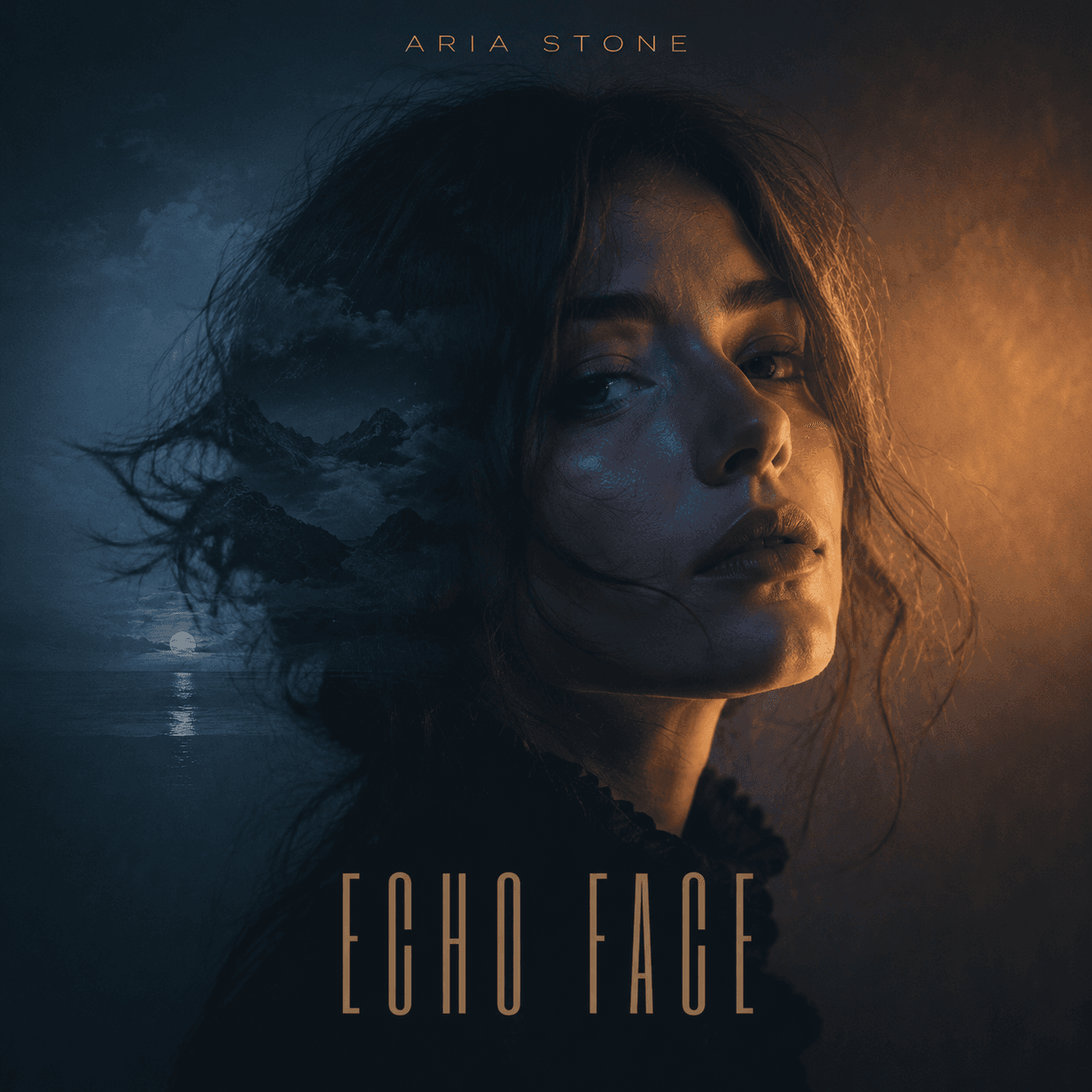
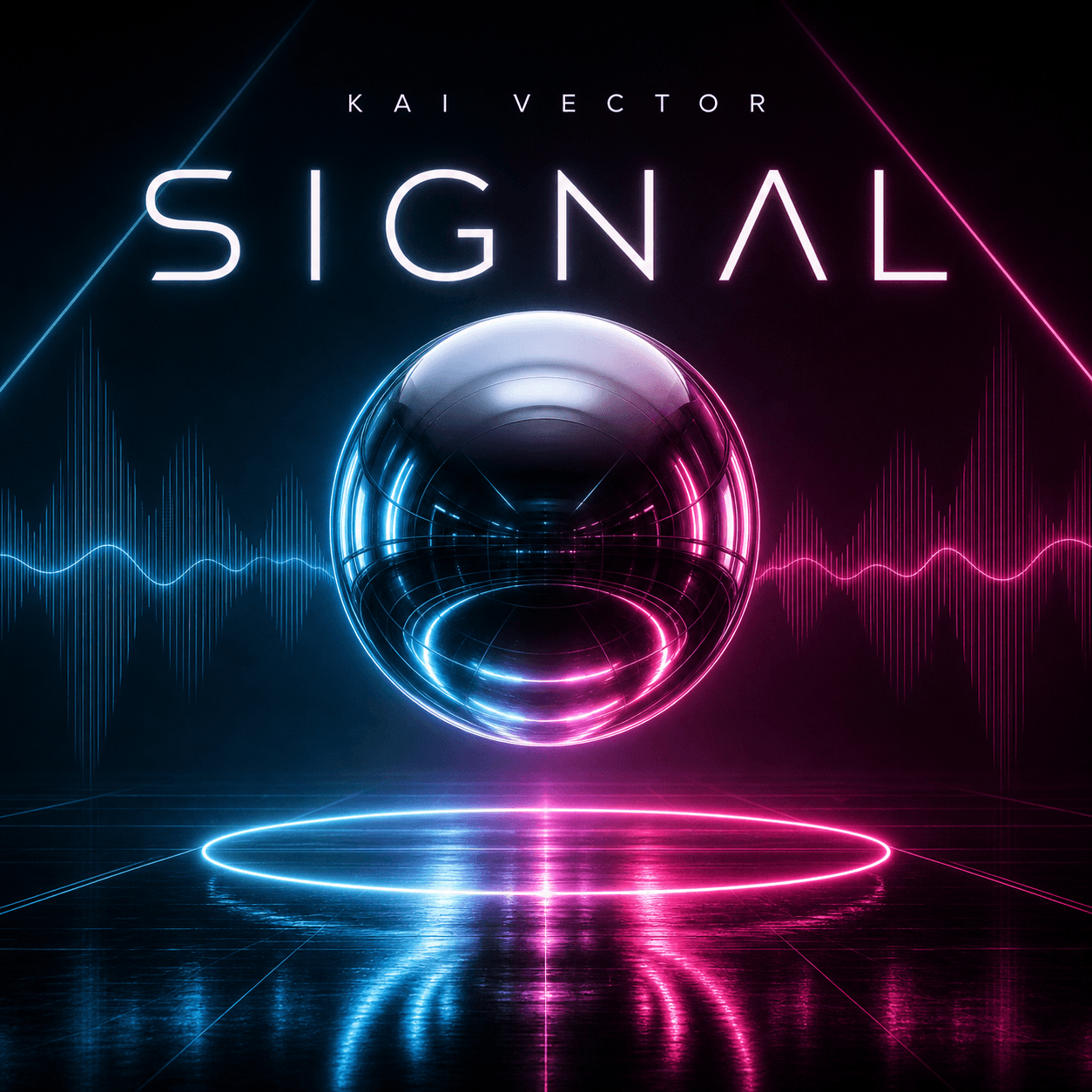
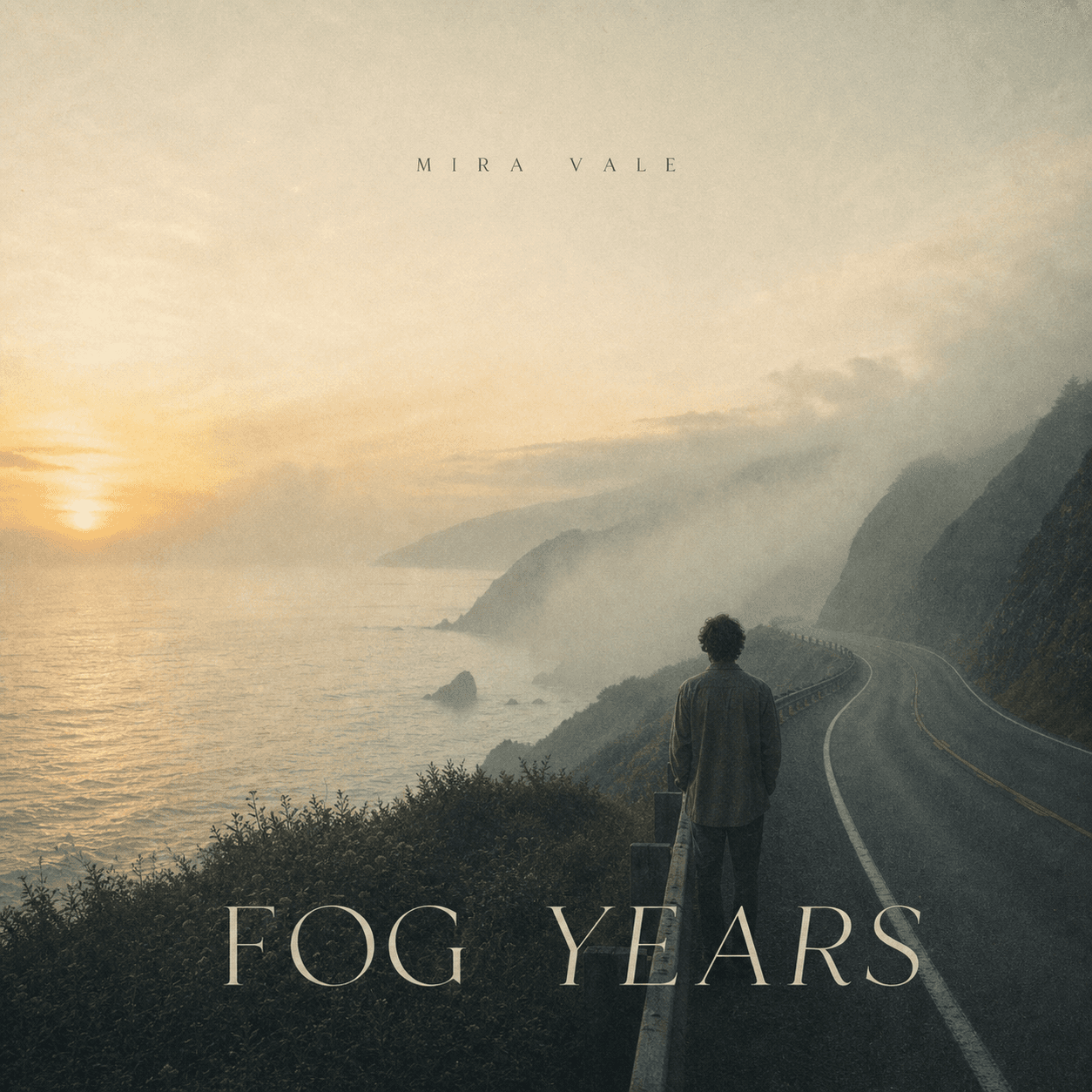
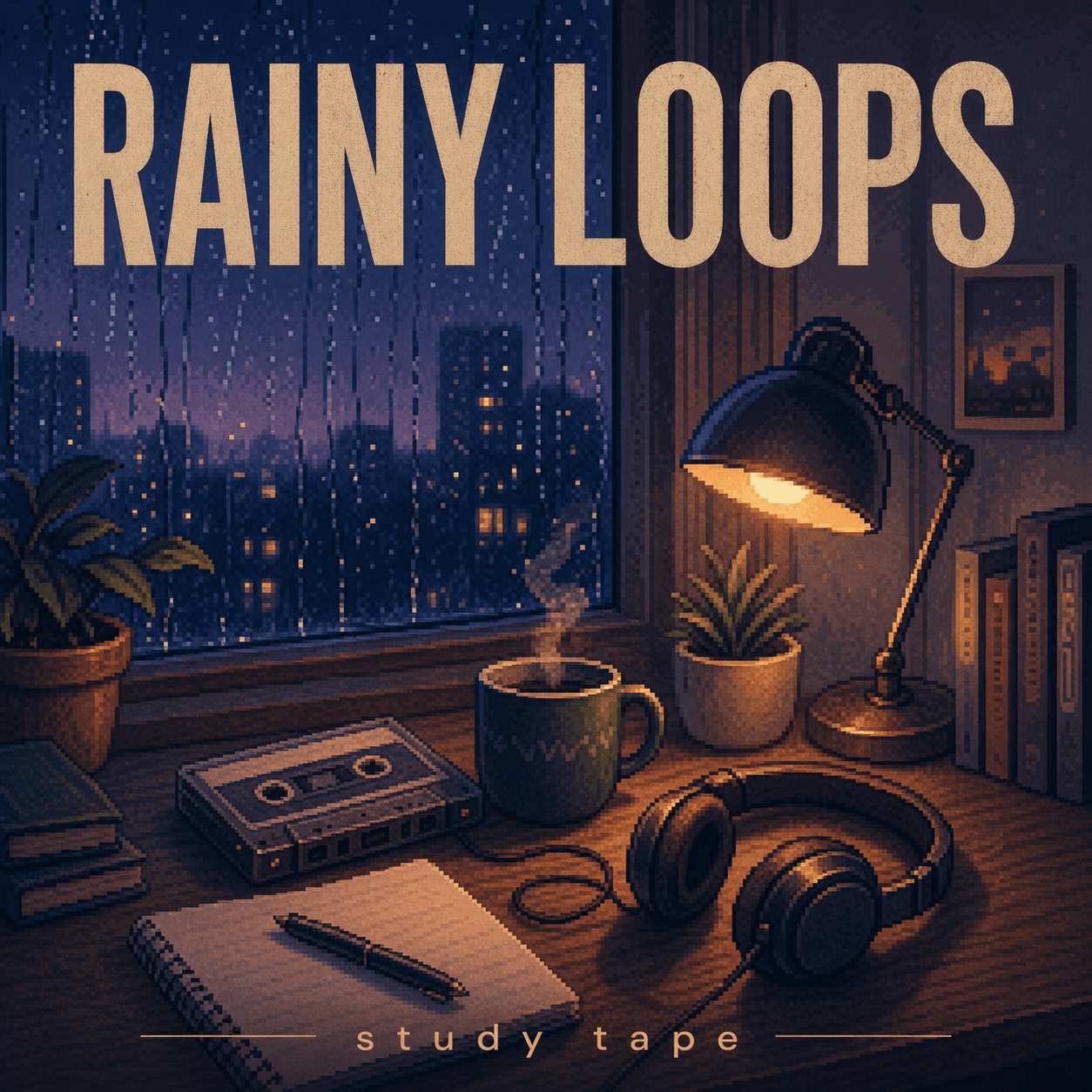
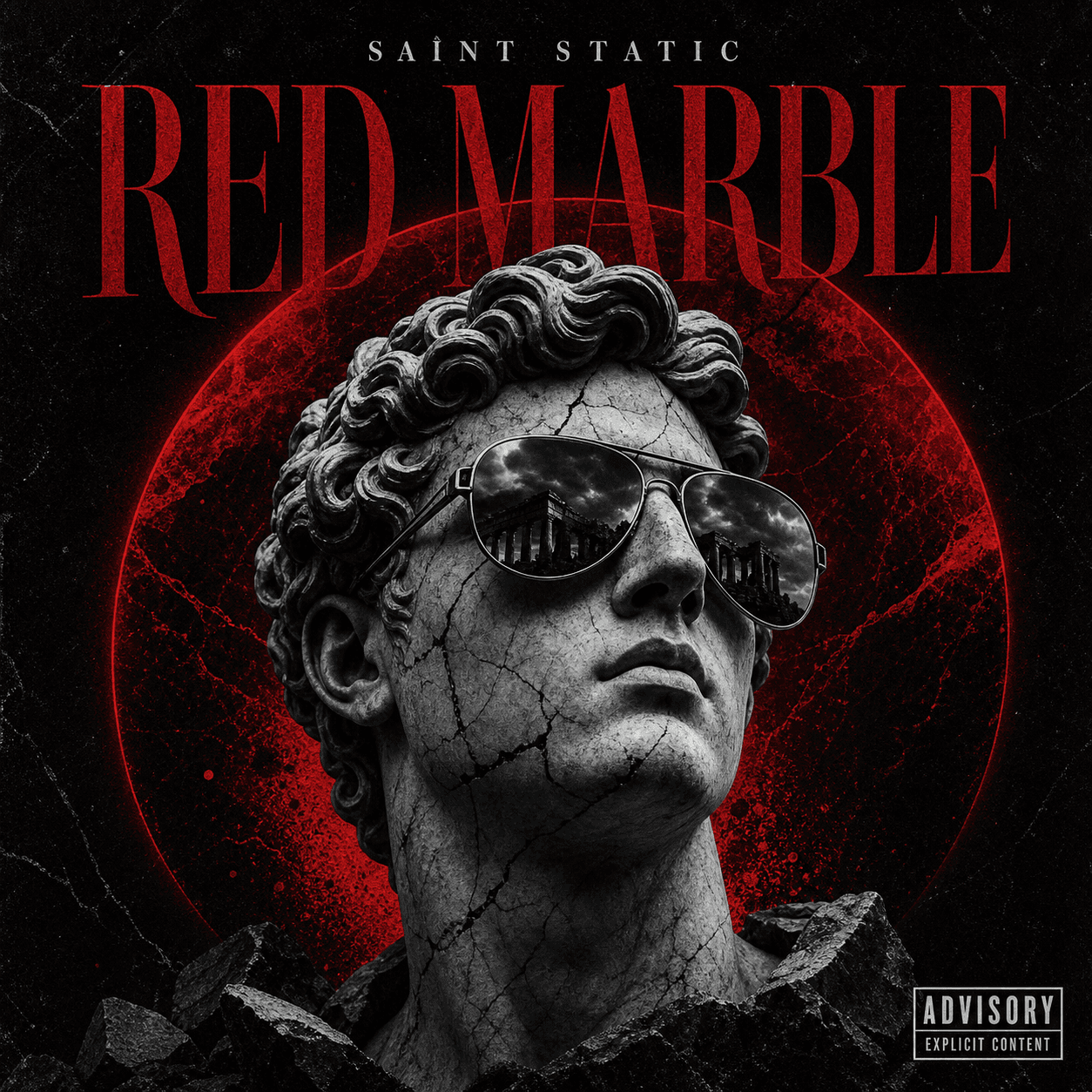
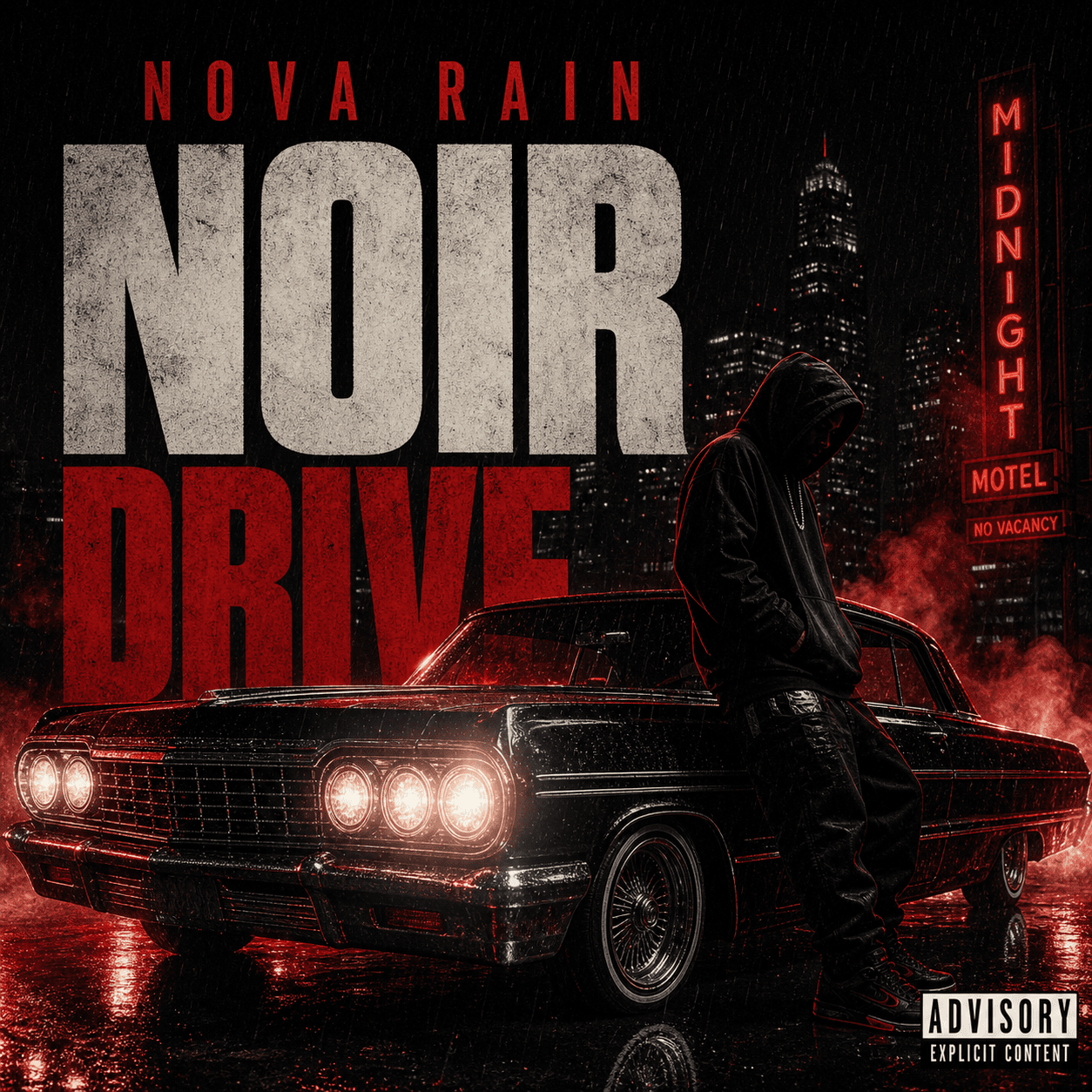
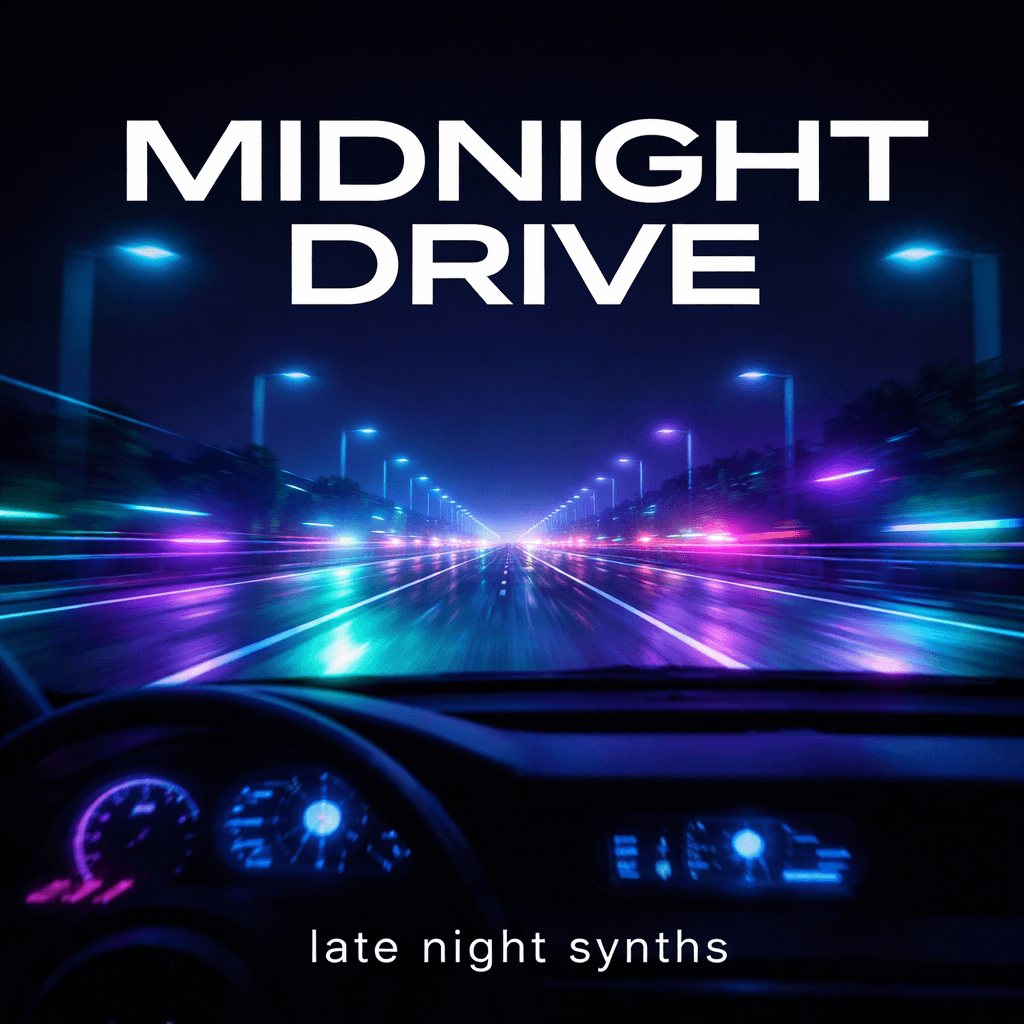
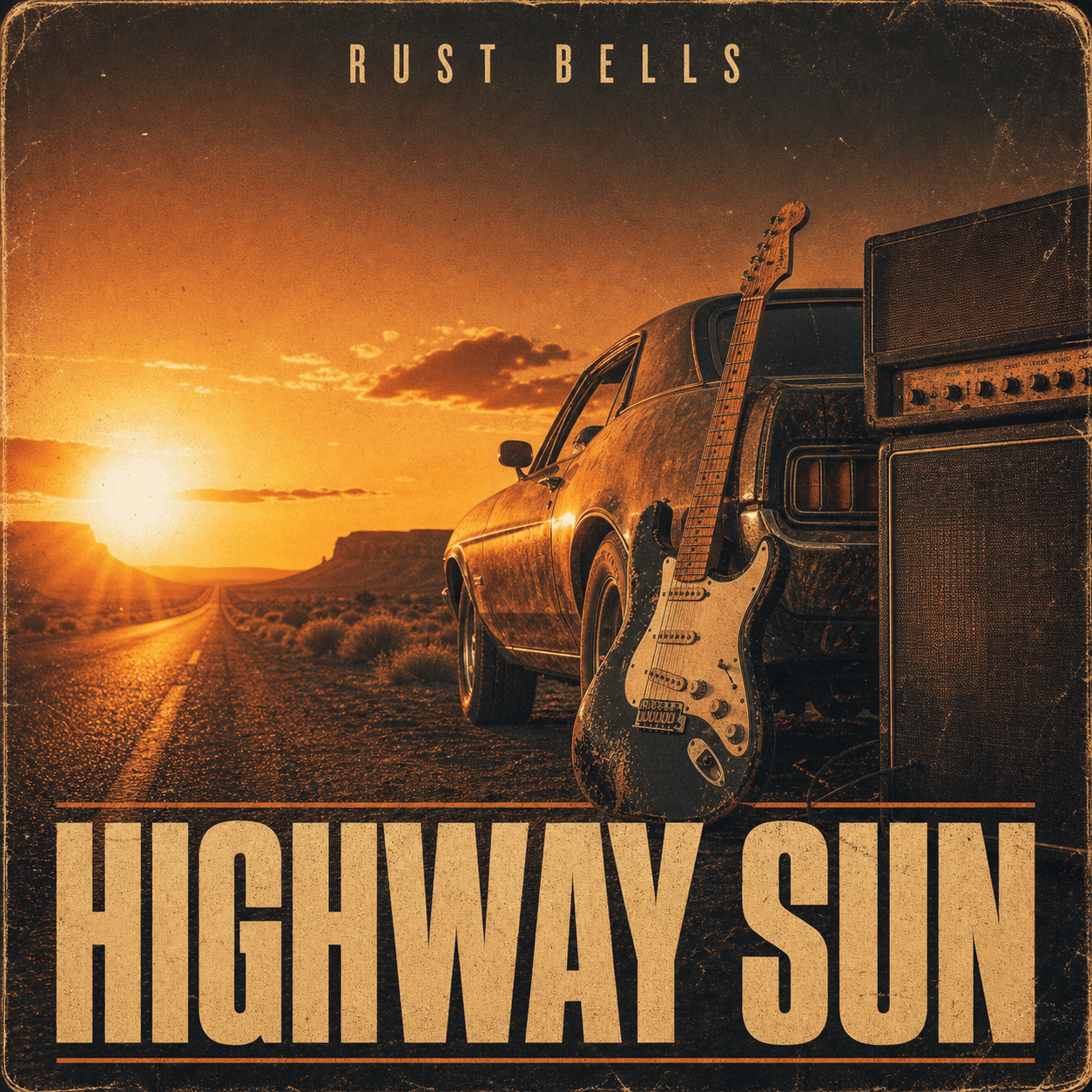
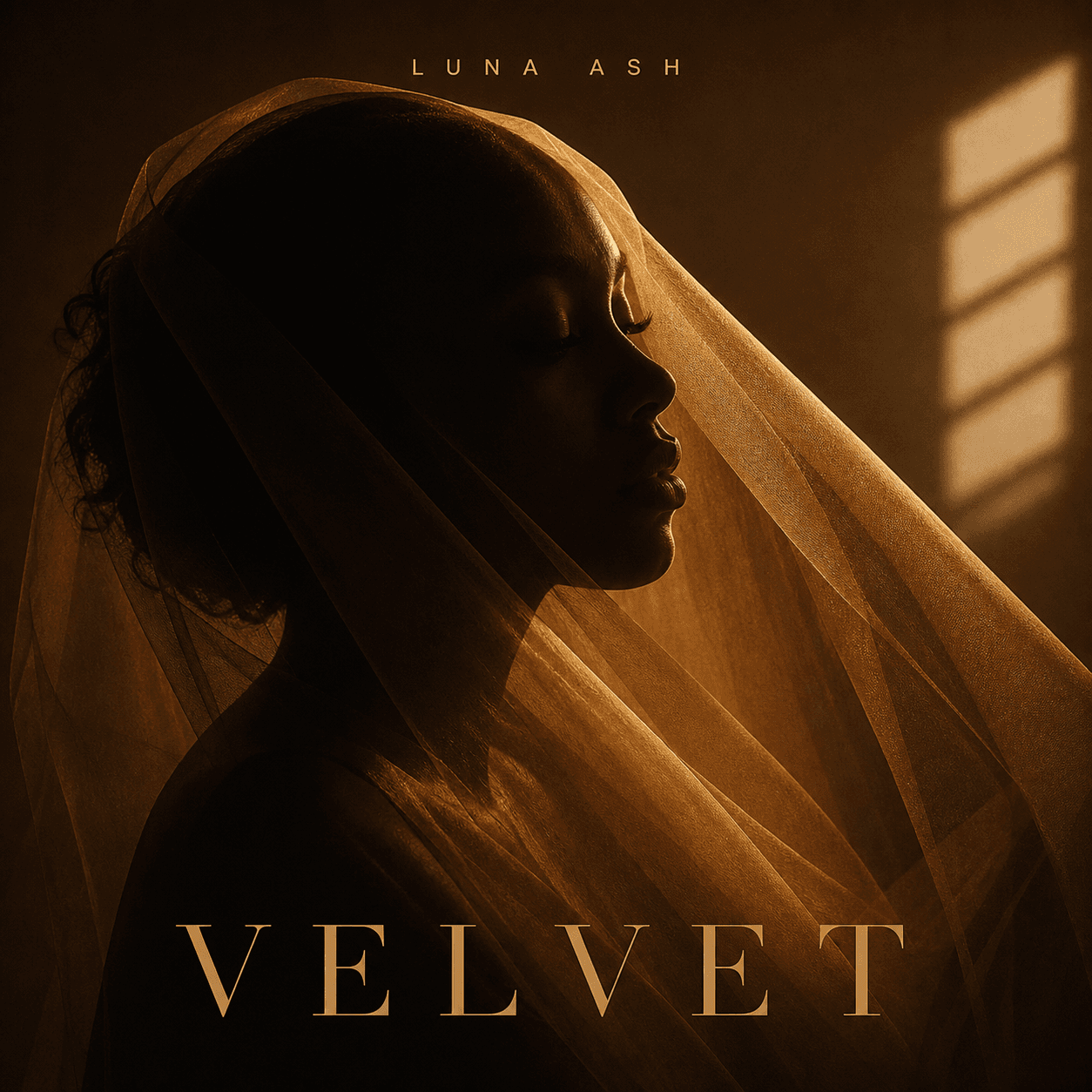
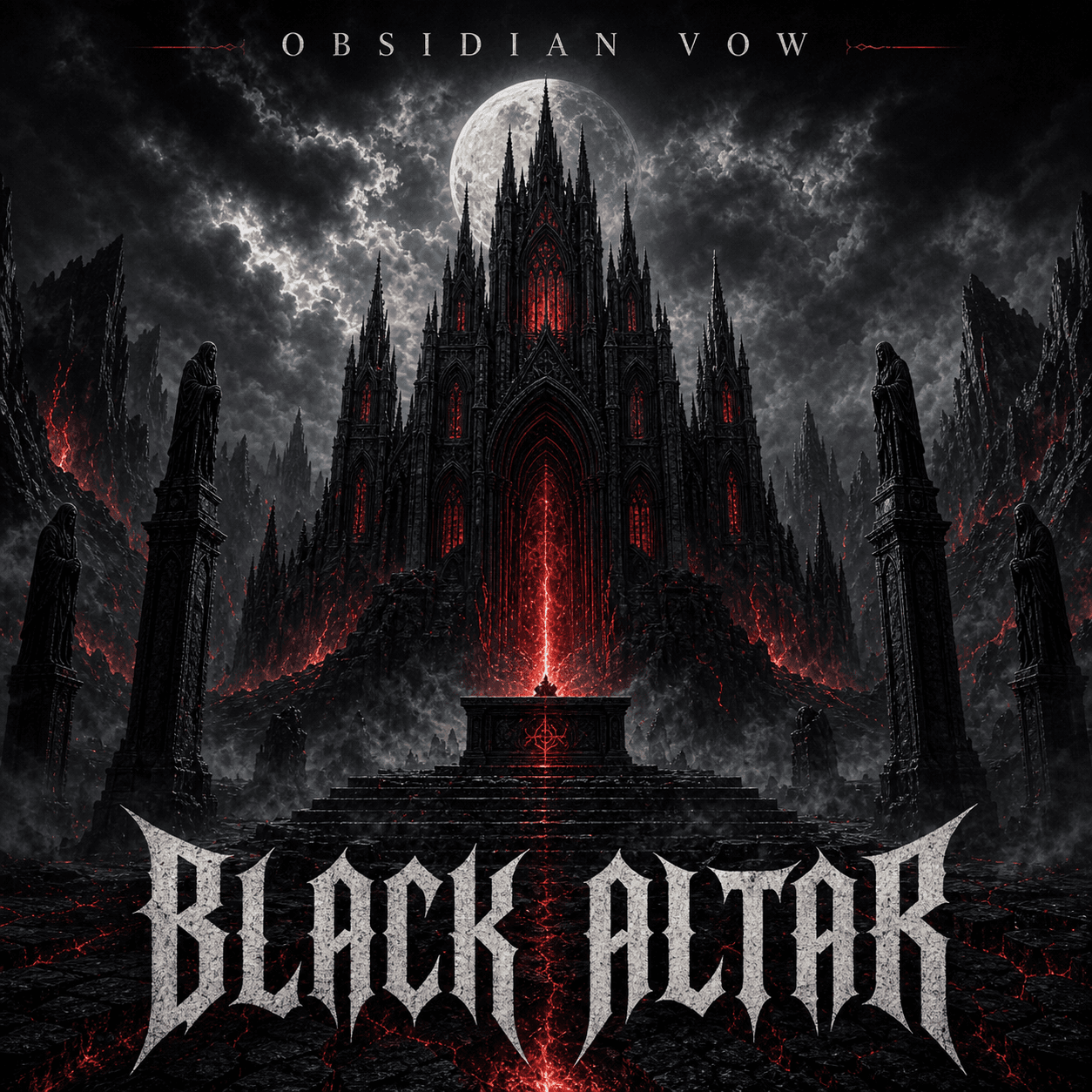
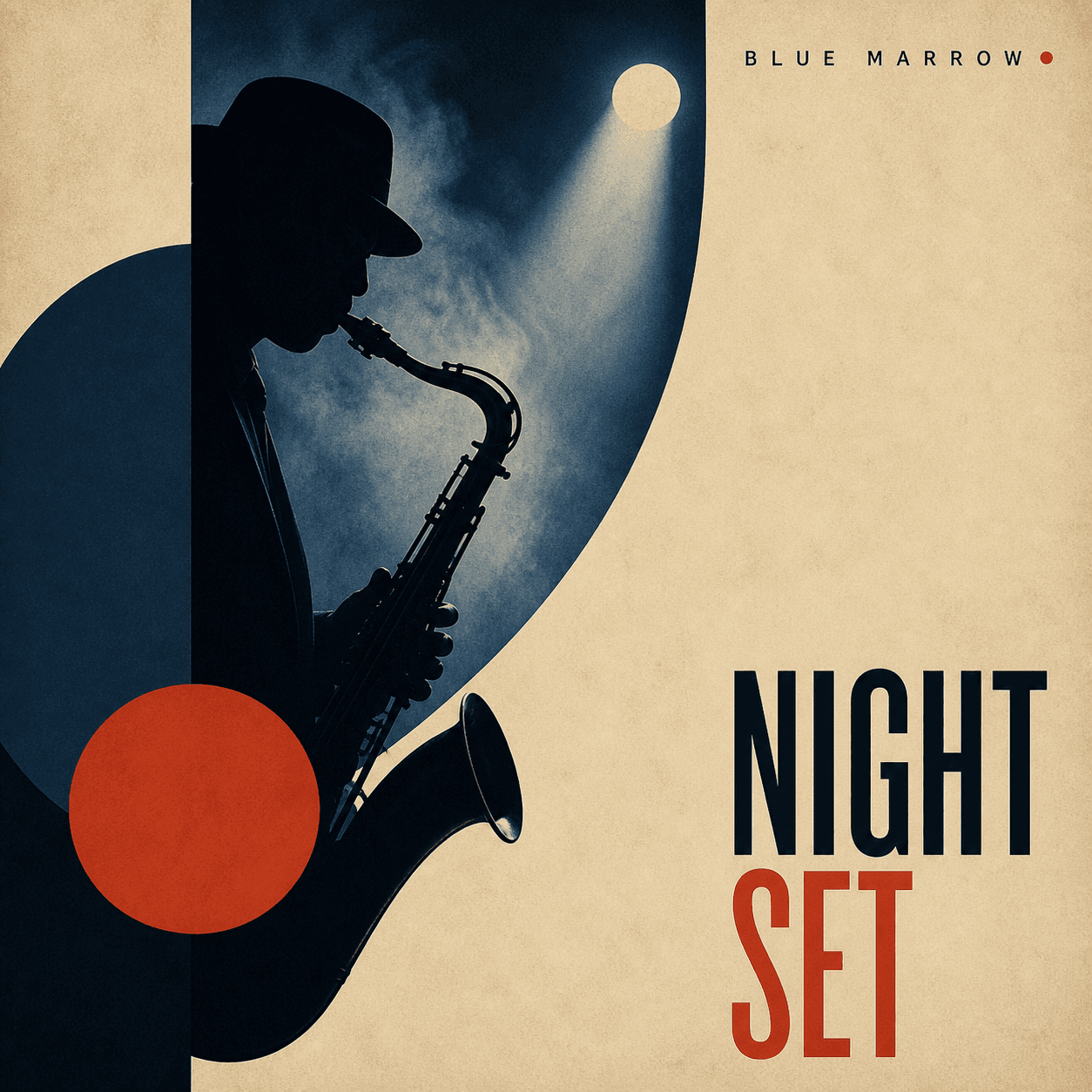
Artwork shaped around your next drop
Mixtape Cover Maker
Turn a release idea or artist photo into cover art with a clear point of view. Define the scene, energy, title, and visual references, then refine the square artwork in the same workspace.
Make a mixtape coverQuick answer
A mixtape cover maker combines the artist, title, genre, mood, photo references, and title direction into bold square artwork for a mixtape or independent release.
Three real scenarios
Use one generator for three common release workflows
Artist-led
Build the cover around a portrait
Keep the performer recognizable while changing the setting, lighting, texture, crop, and title placement.
Concept-led
Translate the project into one scene
Use a lyric, object, neighborhood, memory, or symbol as the main visual hook instead of a generic genre image.
Series-led
Create a connected run of drops
Reuse a palette, type system, framing device, or photo treatment across several tapes and singles.
What it means
What is a mixtape cover maker?
It is a focused cover-art workflow for mixtapes and fast-moving independent releases. Start from text or a photo, then use follow-up edits to shape the background, artist treatment, texture, title hierarchy, and thumbnail contrast.
How it works
Create the cover in three steps
- 1
Set the creative direction
Add the title, artist, genre, mood, era, setting, audience, and visual references behind the release.
- 2
Start with text or a photo
Generate a complete scene from a brief, or upload an artist image when identity should lead the cover.
- 3
Refine the hierarchy
Adjust the subject, contrast, crop, title space, and label position so the cover remains recognizable when small.
Common questions
Mixtape Cover Maker FAQ
Can I make a mixtape cover from an artist photo?
Yes. Upload the artist photo and describe what should remain recognizable. Add the setting, lighting, color treatment, crop, wardrobe, texture, and title space you want around it.
What should I put in a mixtape cover prompt?
Include the artist and mixtape title, genre or scene, emotional tone, main subject, setting, palette, typography direction, and whether you need room for a label or advisory mark.
Should mixtape cover art be square?
A 1:1 square master is the safest starting point for music platforms and social previews. Confirm final dimensions and content rules with the service where you plan to publish.
Can I revise the cover after generating it?
Yes. Keep the same workspace and ask for targeted changes to the title placement, crop, background, palette, realism, texture, or artist treatment.
Keep exploring
Related cover tools, templates, and guides
Ready to create?
Make a mixtape cover from your own release idea
Open the generator, add your title, artist, genre, mood, and references, then refine the result in the same workspace.