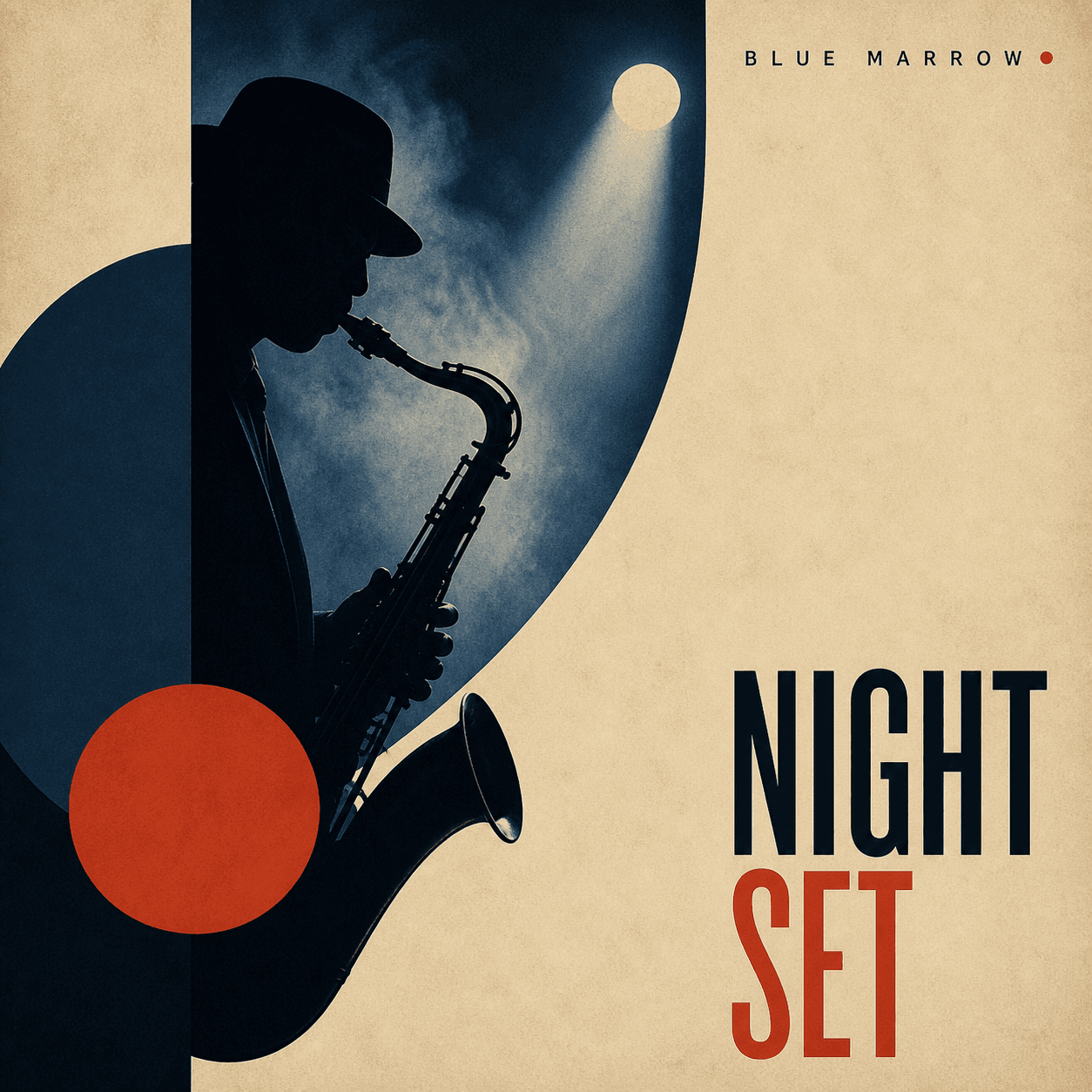
Artwork for Spotify, SoundCloud, and curated listening
Playlist Cover Maker
Create a clear visual identity for a mood, genre, season, activity, or branded playlist, then keep the system consistent across a whole collection.
Make playlist cover artQuick answer
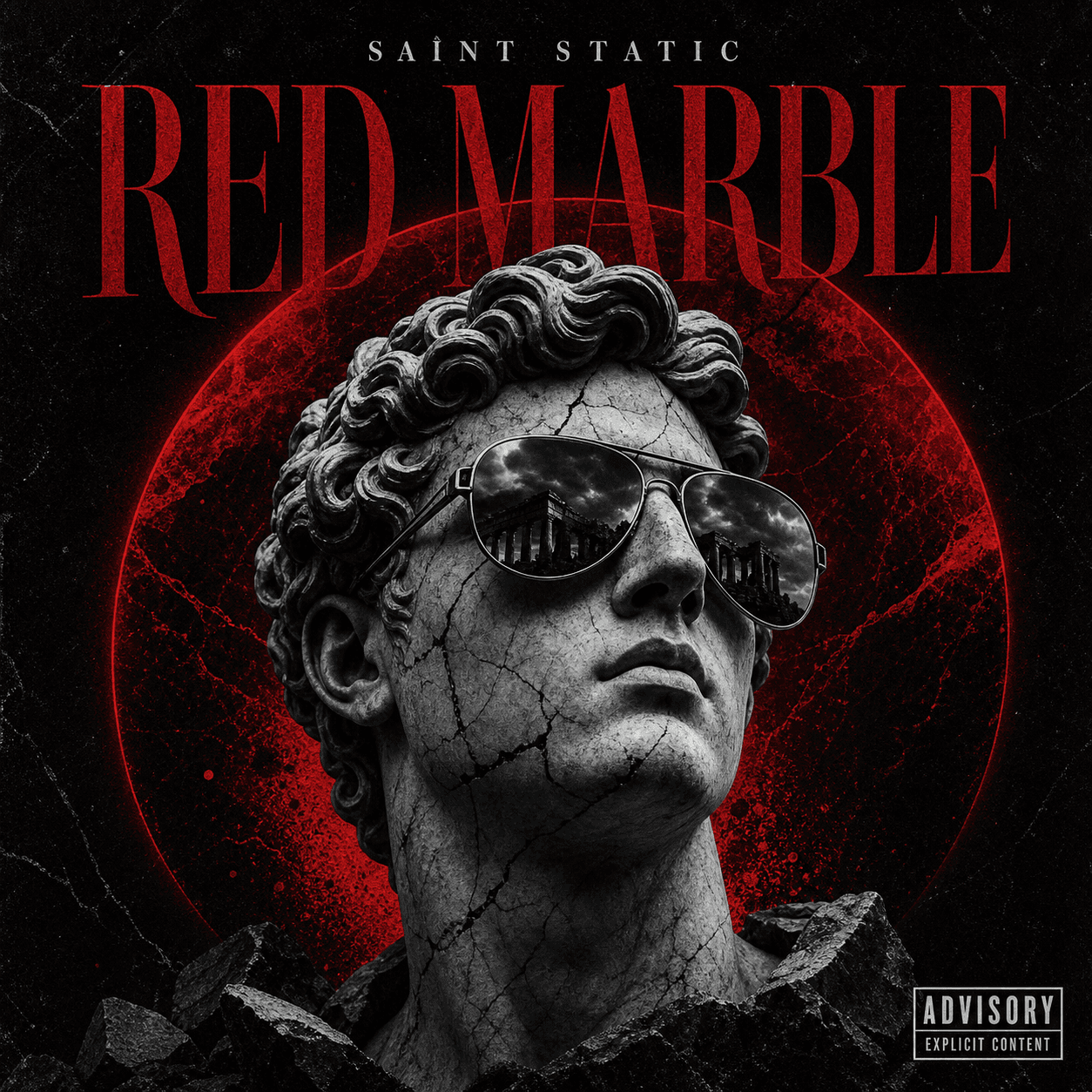
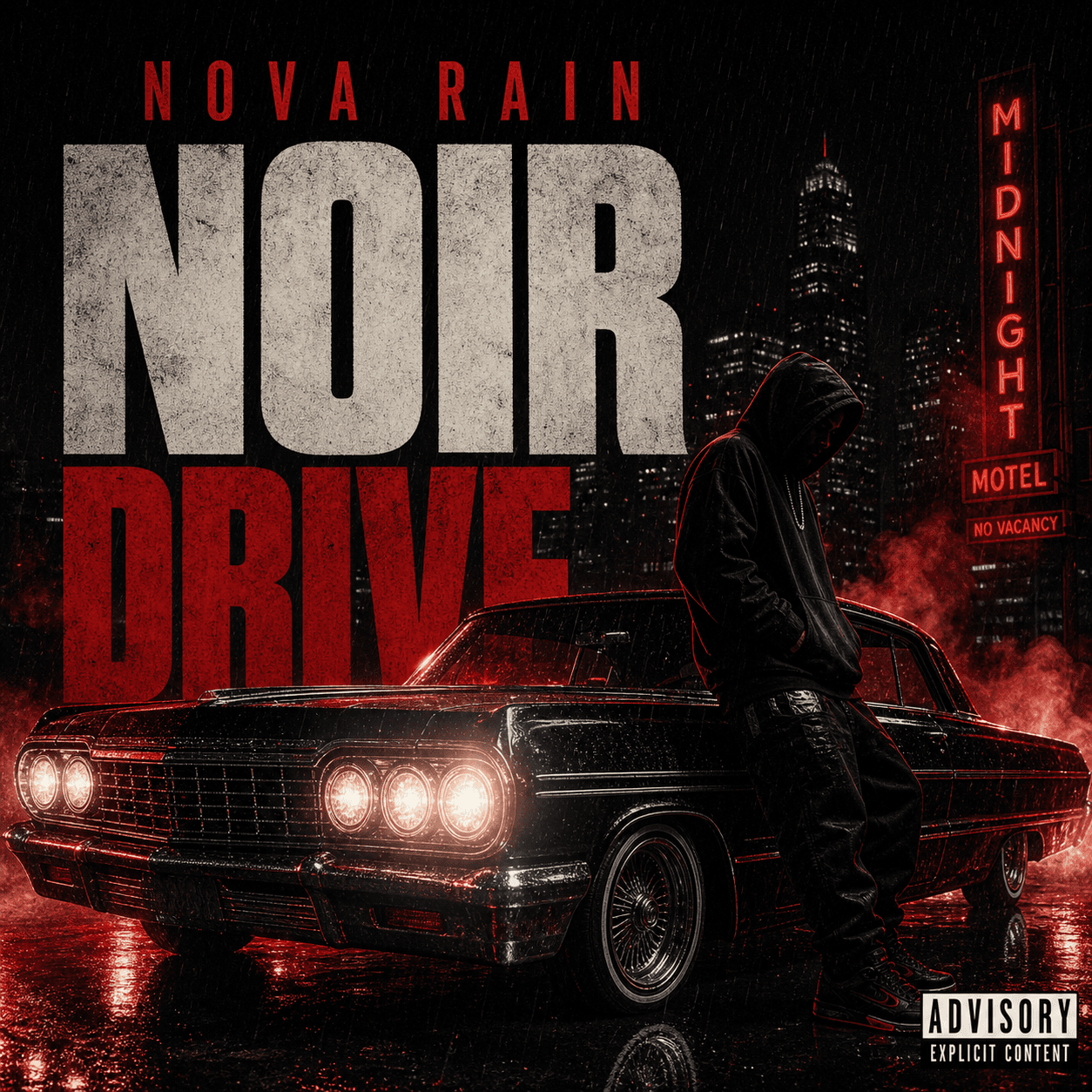
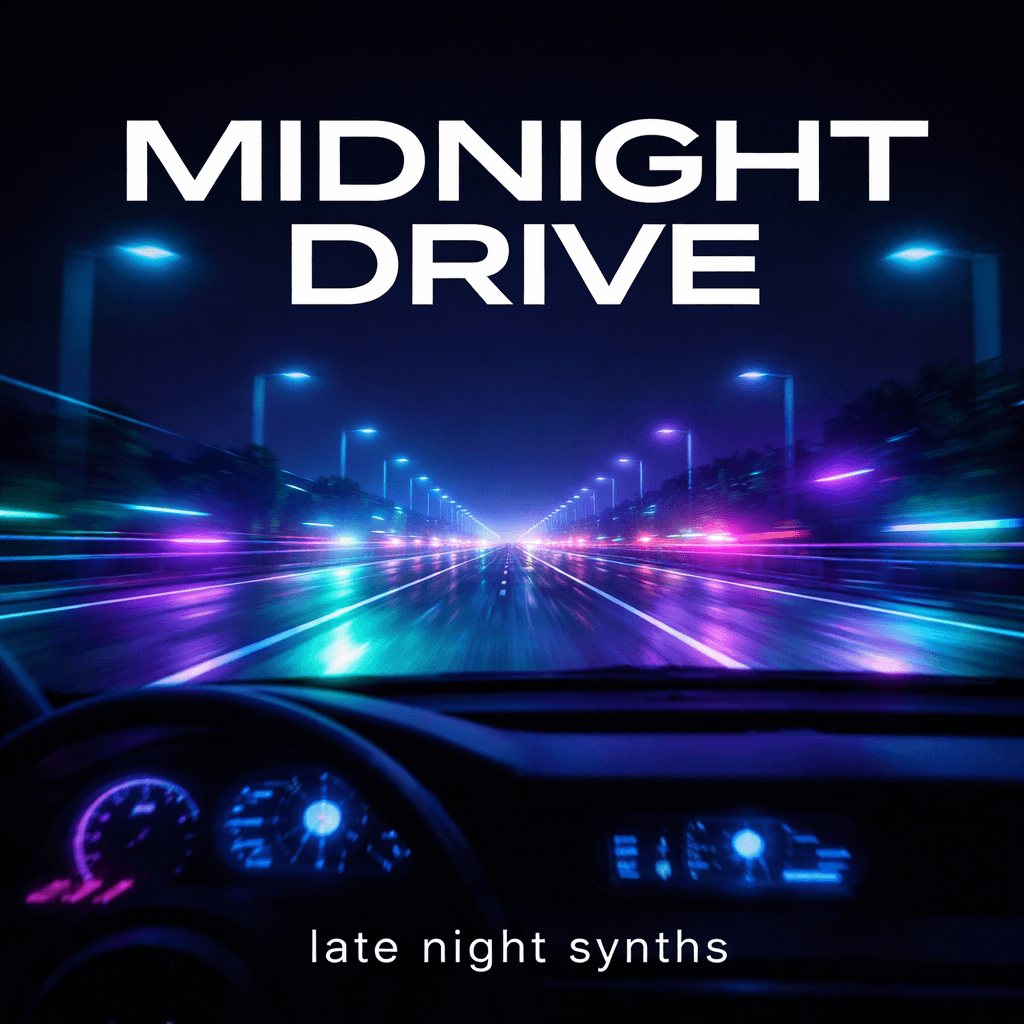
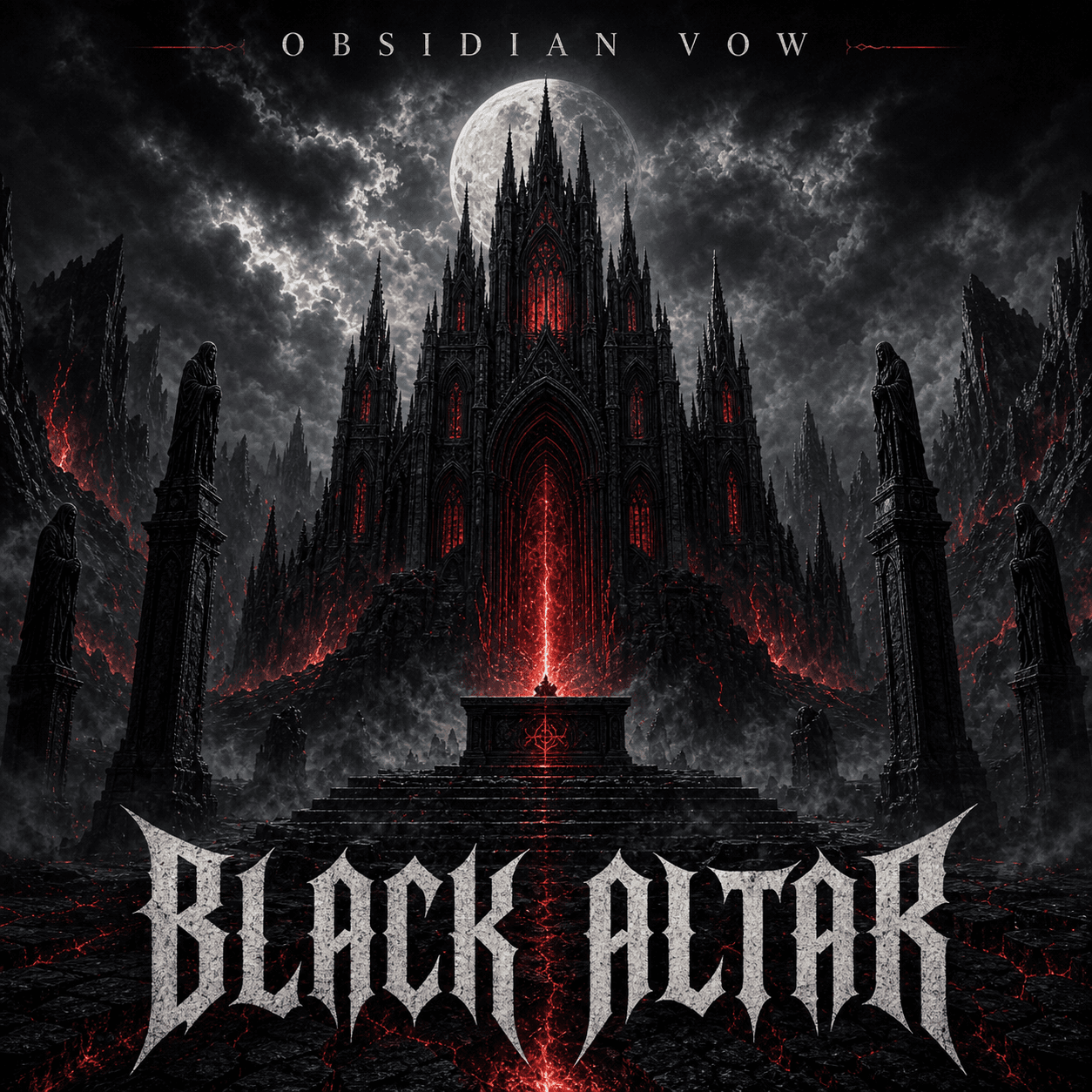
A playlist cover maker turns a listening mood, title, genre mix, or moment into square artwork that is easy to recognize and read in a crowded streaming library.
Three real scenarios
Use one generator for three common release workflows
Mood playlist
Visualize a feeling before a genre
Build around late-night focus, summer energy, quiet mornings, heartbreak, training, travel, or another listening moment.
Curator brand
Create a repeatable cover system
Keep the same typography, frame, texture, or illustration style so every playlist is visibly part of one collection.
Seasonal refresh
Update the same playlist over time
Retain the core identity while changing color, setting, title, or subject for a new season or campaign.
What it means
What is a playlist cover maker?
It is a focused square-artwork workflow for curated music. You describe the playlist title, audience, listening context, mood, palette, subject, and type direction; the generator creates a cover concept and lets you revise it or extend it into a matching series.
How it works
Create the cover in three steps
- 1
Define the listening moment
Add the playlist title, mood, genre mix, audience, activity, time, season, and platform.
- 2
Choose a visual system
Pick a subject, palette, photo treatment, illustration style, border, or typography system that can scale to a series.
- 3
Refine for small screens
Simplify busy details and adjust title contrast so the cover stays recognizable in the playlist grid.
Common questions
Playlist Cover Maker FAQ
What makes a good playlist cover?
A good playlist cover communicates the listening mood immediately, uses a simple focal point, and keeps the title readable at small size without looking like generic stock art.
Can I make Spotify playlist cover art?
Yes. Start with a square composition, keep important content away from the edges, and check Spotify's current upload requirements before publishing.
Can I use a photo in my playlist cover?
Yes. Upload a photo and describe the crop, color grade, background treatment, mood, and whether the playlist title should appear in the artwork.
How do I make a set of matching playlist covers?
Reuse one visual system—such as the same typography, border, palette, illustration style, or photo treatment—then vary the title and central subject for each playlist.
Keep exploring
Related cover tools, templates, and guides
Ready to create?
Make playlist cover art from your own release idea
Open the generator, add your title, artist, genre, mood, and references, then refine the result in the same workspace.