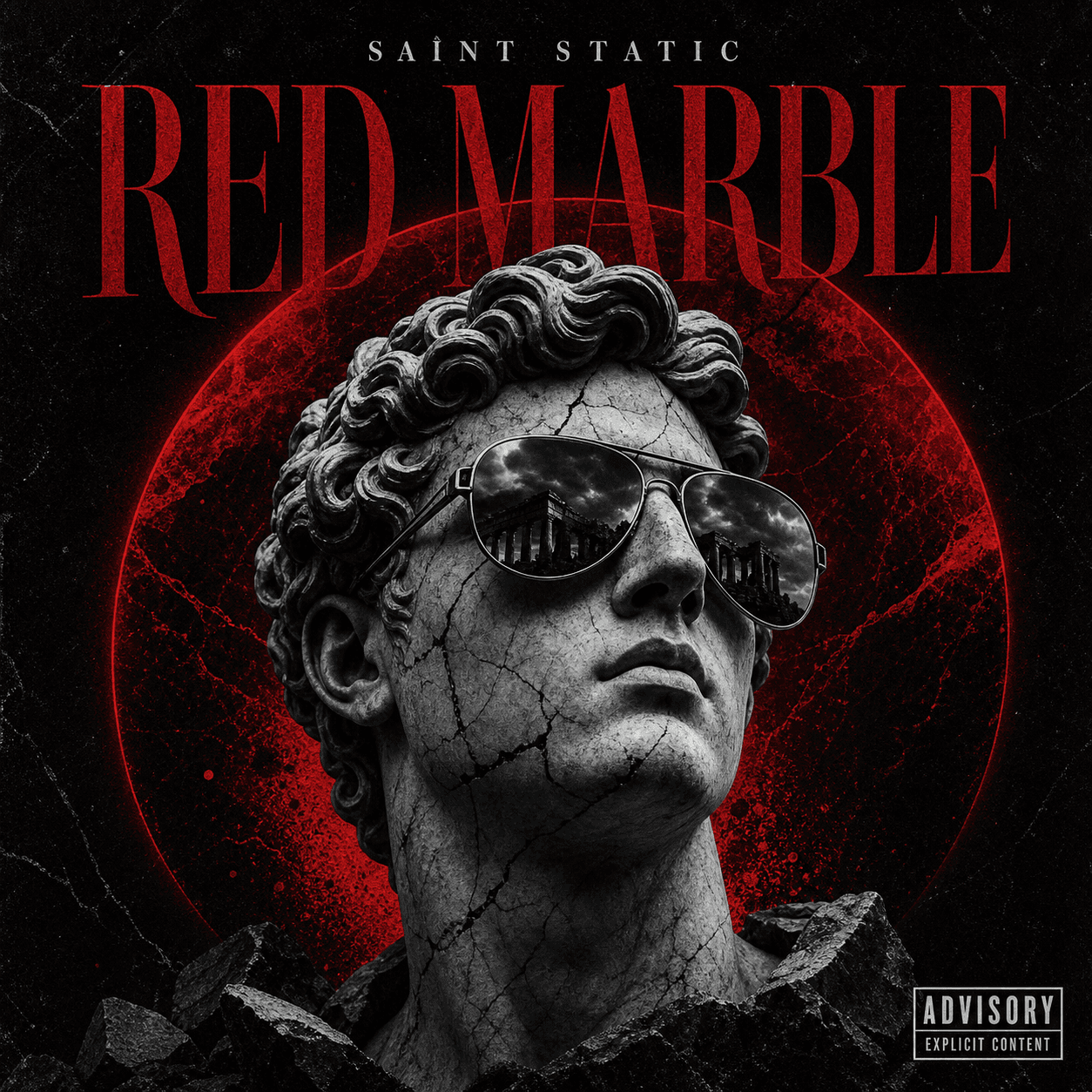
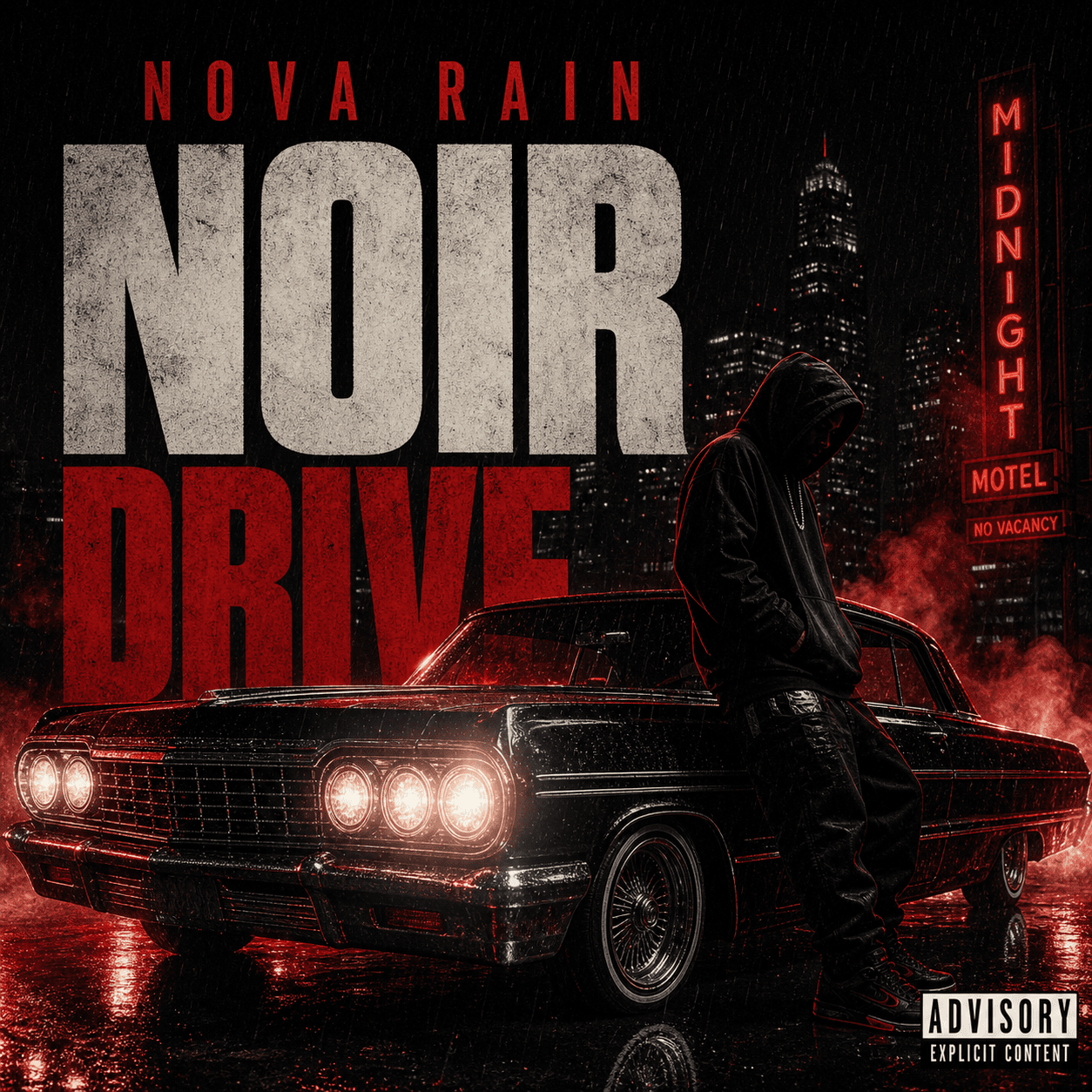
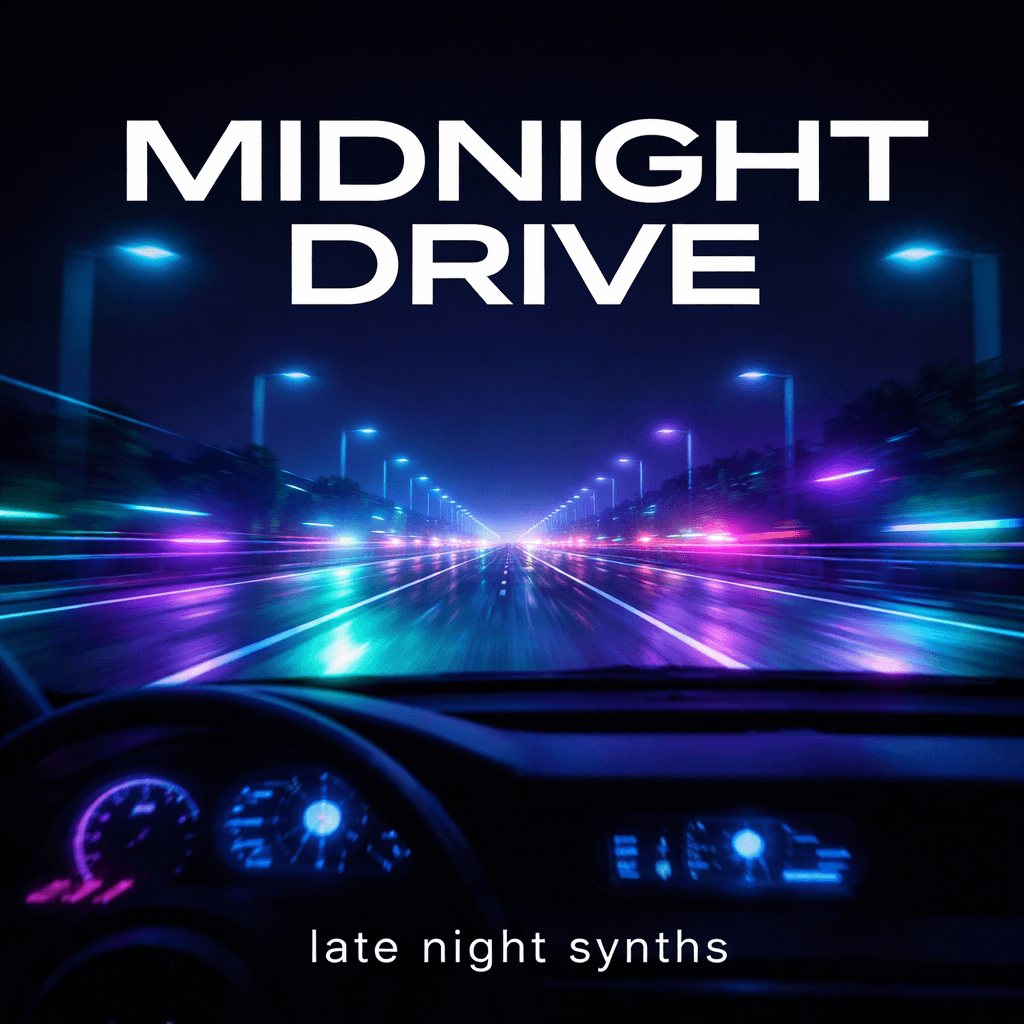
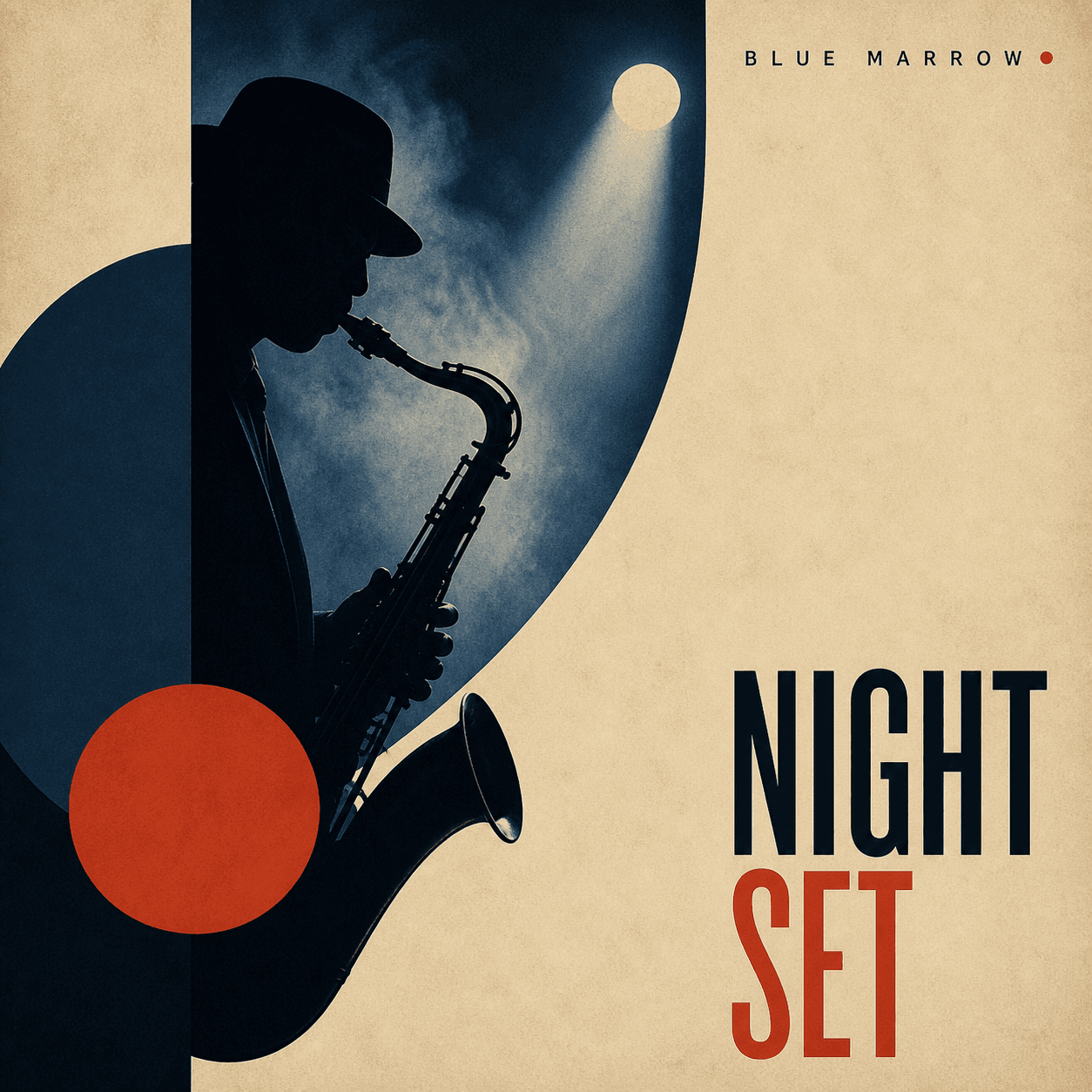
Artwork for physical and digital releases
CD Cover Maker
Build a square cover around the sound, story, and identity of your release. Start with a written direction or an artist photo, then refine the visual until the title, subject, and mood still read clearly at thumbnail size.
Create a CD coverHow it works
Make CD artwork in one workspace
- 1
Define the release
Add the artist, title, genre, mood, audience, and the story the cover should communicate.
- 2
Choose a visual anchor
Describe a scene or upload a photo when a face, object, logo, or location should guide the design.
- 3
Prepare the square master
Refine contrast, crop, and typography space, then check final print and distributor requirements.
A flexible cover workflow
Design for the format you plan to release
CD front cover
Create the main square artwork before adapting it to a printer's insert and bleed template.
Streaming artwork
Keep the same visual identity across Spotify, Apple Music, SoundCloud, and release announcements.
Singles, EPs, and albums
Change the brief for a single visual hook, a short project, or a full album world.
Plan the finished artwork
CD and album cover resources
Common questions
CD cover maker FAQ
What size should a CD cover be?
Start with a square composition. If you are printing a physical jewel-case insert, confirm the exact trim, bleed, spine, and template dimensions with the printer before export.
Can I make a CD cover from a photo?
Yes. Upload an artist, band, object, or location photo and explain what should stay recognizable. Then describe the crop, background, lighting, color palette, and title space you want.
Can I use the same artwork for streaming?
A strong square master can work for both a digital release and the front of a CD package. Check the pixel, color, file, and content requirements of your distributor and printer separately.