


aialbumcovermakeraialbumcovermaker
GeneratorDocsGuidesLibraryPricing
Create

Album Cover Size

Album cover size and dimensions guide

Use a 3000 × 3000 pixel, 1:1 square master for most digital album artwork. Export in sRGB as a high-quality JPG or PNG, keep important details away from the edges, and check the exact rules used by your distributor before delivery.

Updated September 18, 2026By aialbumcovermaker Team
Electronic single cover art example
Rock vinyl album cover example
Minimal R&B album cover example
Lo-fi playlist cover example

Quick answer

  • The safest album cover size for digital distribution is 3000 × 3000 pixels in a 1:1 square.
  • Use sRGB color and export a high-quality JPG or PNG unless your distributor asks for another supported format.
  • A standard jewel-case CD front insert is about 120 × 120 mm, or roughly 1417 × 1417 pixels at 300 DPI before printer bleed.
01

Use 3000 × 3000 pixels as the safest master

For one reusable digital master, create the album cover at 3000 × 3000 pixels. This square album art size matches Apple Music's recommended minimum and is comfortably inside Spotify's accepted 640-to-10000-pixel range.

The same dimensions work for albums, singles, EPs, and mixtapes. Starting large also leaves enough resolution for distributor processing without enlarging a small source later.

  • Canvas: 3000 × 3000 pixels
  • Aspect ratio: 1:1 square
  • Color: RGB or sRGB for digital delivery
  • Export: high-quality JPG or PNG
  • Do not stretch a rectangular image or upscale a low-resolution source
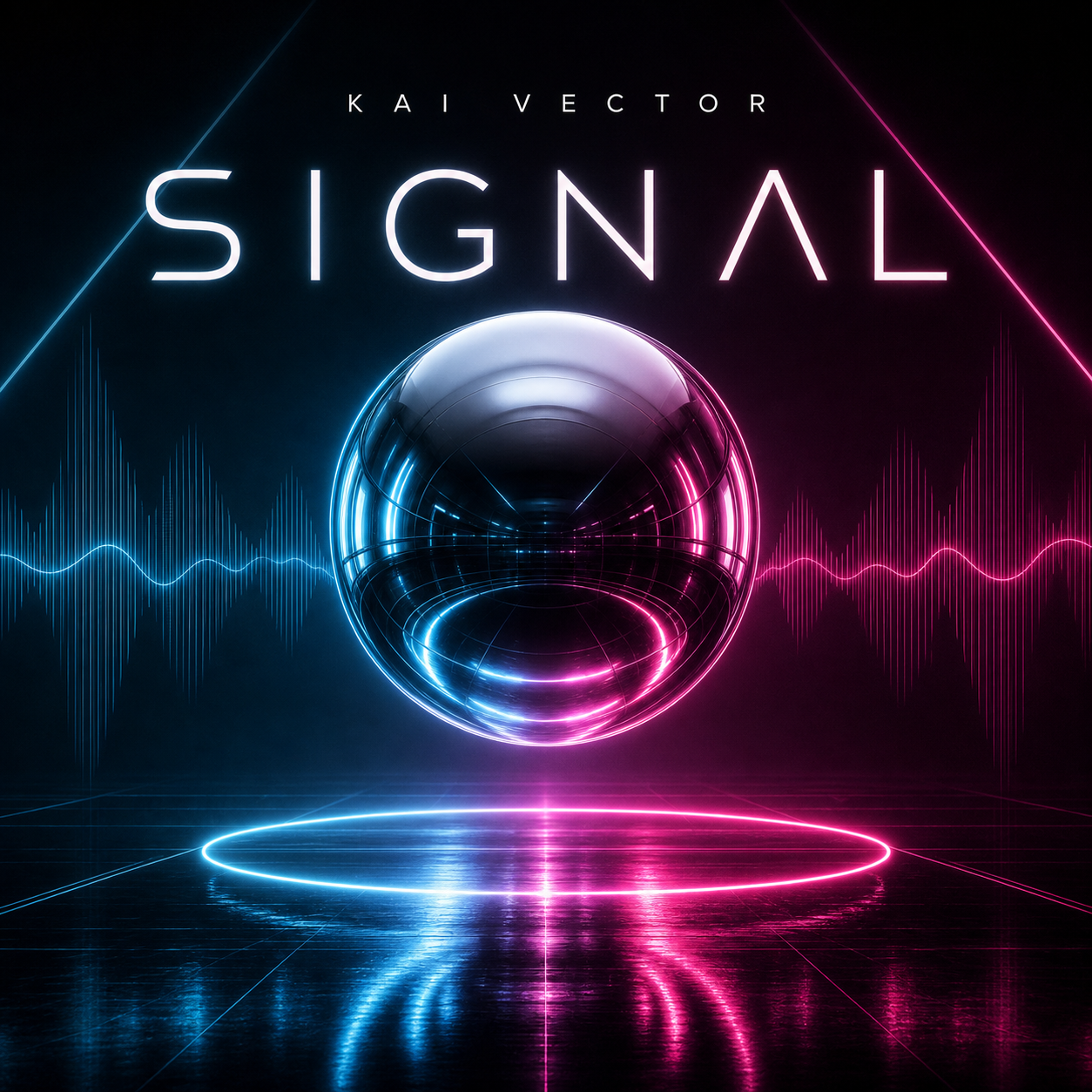
Electronic single cover art example
02

Check each platform's album art dimensions

There is no single minimum shared by every music service. Spotify accepts square cover art from 640 × 640 up to 10000 × 10000 pixels, while Apple Music recommends at least 3000 × 3000 pixels. YouTube recommends at least 1400 × 1400 pixels for Art Tracks and caps the image at 4098 × 4098 pixels.

Copyright © 2026 aialbumcovermaker
PrivacyTerms

SoundCloud also has two different cases: a direct track upload recommends at least 800 × 800 pixels, while music sent through SoundCloud for digital distribution requires 3000 × 3000 pixels. A 3000-pixel master is therefore the simplest cross-platform starting point.

  • Spotify: 640–10000 pixels square
  • Apple Music: 3000 × 3000 pixels recommended minimum
  • YouTube Art Tracks: 1400 × 1400 recommended minimum; 4098 × 4098 maximum
  • SoundCloud track art: at least 800 × 800 pixels recommended
  • SoundCloud distribution: 3000 × 3000 pixels
  • Bandcamp: at least 1400 × 1400 pixels
Rock vinyl album cover example
03

Separate digital album art from CD cover dimensions

Digital album artwork is measured in pixels, but a physical CD package is built from a printer template. A standard jewel-case front booklet closes to roughly 120 × 120 mm, or about 4.72 × 4.72 inches. At 300 DPI, that trim size is approximately 1417 × 1417 pixels before bleed.

Do not reuse that square alone for the entire CD package. The back tray and spine use different dimensions, and printers commonly request extra bleed around trimmed edges. Download the exact booklet, tray, spine, or digipak template from the company producing the discs.

  • Jewel-case front insert: about 120 × 120 mm
  • Pixel equivalent at 300 DPI: about 1417 × 1417 pixels before bleed
  • Professional print artwork commonly uses CMYK rather than digital sRGB
  • Use the printer's template for bleed, folds, tray, and spine
Minimal R&B album cover example
04

Choose the right file format and color space

For broad digital compatibility, export a high-quality JPG or PNG in RGB or sRGB. JPG usually keeps photographic covers smaller, while PNG can preserve hard edges and typography without JPEG compression artifacts.

Do not assume that a file accepted by one service will pass every distributor. Spotify also accepts TIFF, SoundCloud distribution accepts TIFF, PNG, or JPEG, and Bandcamp accepts PNG, JPG, or GIF. Check your distributor's upload screen before final delivery.

  • Use JPG for photographic artwork when file size matters
  • Use PNG for crisp graphics and type
  • Use sRGB for predictable digital color
  • Avoid transparency unless the destination explicitly supports it
  • Keep a layered source file for later text or crop corrections
Lo-fi playlist cover example
05

Protect text and important artwork from small crops

Album covers are displayed at many sizes, so there is no universal pixel-based safe area. Keep the artist name, release title, face, logo, and other essential details comfortably inside the square instead of pressing them against the edge.

Preview the design at about 160 × 160 pixels. If the title disappears or the subject becomes unclear, simplify the background, increase contrast, or enlarge the focal element before exporting.

  • Keep essential text away from all four edges
  • Use short, high-contrast title typography
  • Avoid hairline details that disappear in thumbnails
  • Check the cover at full size and thumbnail size
  • Make sure the artist and release title match the submitted metadata
06

Export and inspect the final cover

Inspect the final file at 100% zoom for distorted text, soft edges, banding, accidental borders, and compression artifacts. Confirm that the canvas is exactly square and that the image profile is embedded correctly.

Keep the 3000 × 3000 master after upload. If a platform or distributor requests a different size, create a new export from the master rather than repeatedly resizing a previously compressed JPG.

Checklist

  • Digital master is 3000 × 3000 pixels and exactly square
  • File is exported in RGB or sRGB as a high-quality JPG or PNG
  • Title and artist text match the release metadata
  • Important details are not too close to the edge
  • The artwork still reads clearly as a small thumbnail
  • The image was not enlarged from a small or blurry source
  • Physical CD artwork uses the printer's exact template and bleed

Album cover size by platform and format

Platform or useRecommended dimensionsFormat notes
Universal digital master3000 × 3000 px, 1:1High-quality JPG or PNG in sRGB; verify the distributor before upload.
Spotify640–10000 px squareTIFF, PNG, or JPG with lossless encoding; sRGB, 24 bits per pixel; do not upscale.
Apple Music3000 × 3000 px recommended minimumAlbum cover artwork can be JPG or PNG.
YouTube Art Tracks1400 × 1400 px recommended minimum; 4098 × 4098 px maximumSquare PNG or JPEG; YouTube recommends 300 DPI.
SoundCloud track uploadAt least 800 × 800 px recommendedJPG or PNG, up to 2 MB; square artwork works best.
SoundCloud distribution3000 × 3000 px minimum1:1, 300 DPI; TIFF, PNG, or JPEG.
BandcampAt least 1400 × 1400 pxPNG, JPG, or GIF under 10 MB.
CD jewel-case front insertAbout 120 × 120 mm; ~1417 × 1417 px at 300 DPIPrint dimensions vary by vendor; use its template for bleed and trim.

Best all-purpose album cover setup

Create one clean 3000 × 3000 pixel master in sRGB, keep important details inside the edges, and export a high-quality JPG or PNG. This is the simplest starting point for most streaming releases, but the distributor's current upload rules remain the final authority.

Best for

  • Albums, singles, EPs, and mixtapes distributed to multiple services
  • AI-generated artwork that may need later crop or text corrections
  • Artists who want one reusable high-resolution digital master

Less ideal for

  • Complete CD, vinyl, cassette, or digipak print packaging
  • Small source images that have already become blurry or pixelated
  • Platform-specific motion artwork or artist profile banners

Reusable examples

3000 × 3000 album cover prompt

Use this to compose around a high-resolution square digital master.

Create high-resolution square album cover art for a synth-pop single titled 'Glass Weather'. Compose for a 3000 × 3000 pixel, 1:1 digital cover. Centered abstract glass subject, clean title area, strong contrast, important details away from the edges, readable at thumbnail size, polished streaming artwork.

Official sources and references

Platform requirements can change. Check these source pages again before delivering a release.

  • Spotify cover art requirements
  • Apple Music Specification
  • YouTube album artwork requirements
  • SoundCloud digital distribution artwork guidelines
  • SoundCloud track artwork recommendations
  • Bandcamp artwork requirements
  • Standard jewel-case CD booklet template

Frequently asked questions

What is the standard album cover size in pixels?

A 3000 × 3000 pixel square is the safest master size for digital album art. It meets Apple Music's recommended minimum and gives distributors enough resolution for large displays and smaller streaming thumbnails.

What aspect ratio should album artwork use?

Use a 1:1 aspect ratio. Albums, singles, EPs, mixtapes, and most playlist covers are displayed as squares across music platforms.

Is 1400 × 1400 large enough for album art?

It can be accepted by services such as YouTube Art Tracks and Bandcamp, but it is not the best universal master. Start at 3000 × 3000 pixels when possible so the same source can satisfy stricter distributors.

Should album cover art be JPG or PNG?

Both are widely supported. Use a high-quality JPG for photographic artwork and PNG when crisp typography or flat graphics benefit from lossless export. Use RGB or sRGB rather than a print-only CMYK file for digital delivery.

What are the dimensions of CD cover art?

A standard jewel-case front insert is approximately 120 × 120 mm, which is about 1417 × 1417 pixels at 300 DPI before bleed. Printer templates vary, so use the manufacturer template for bleed, folds, the back tray, and spine.

Can I enlarge a small image to meet album cover requirements?

Avoid simple upscaling. Platforms may reject blurry or artificially enlarged artwork, and Spotify explicitly advises against upscaling. Generate or export from a genuinely high-resolution source instead.

Keep exploring

Want to apply this workflow right away? Start with the matching aialbumcovermaker generator, docs, or template examples.

AI Album Cover MakerAlbum Cover Generator docs
Album cover examplesMore guides

Related guides

Spotify album cover sizeCheck Spotify-focused cover dimensions, crop, and thumbnail guidance.How to make an album coverPlan the concept, composition, title treatment, and final export.Photo to album coverTurn a portrait or reference photo into square release artwork.
Open generator