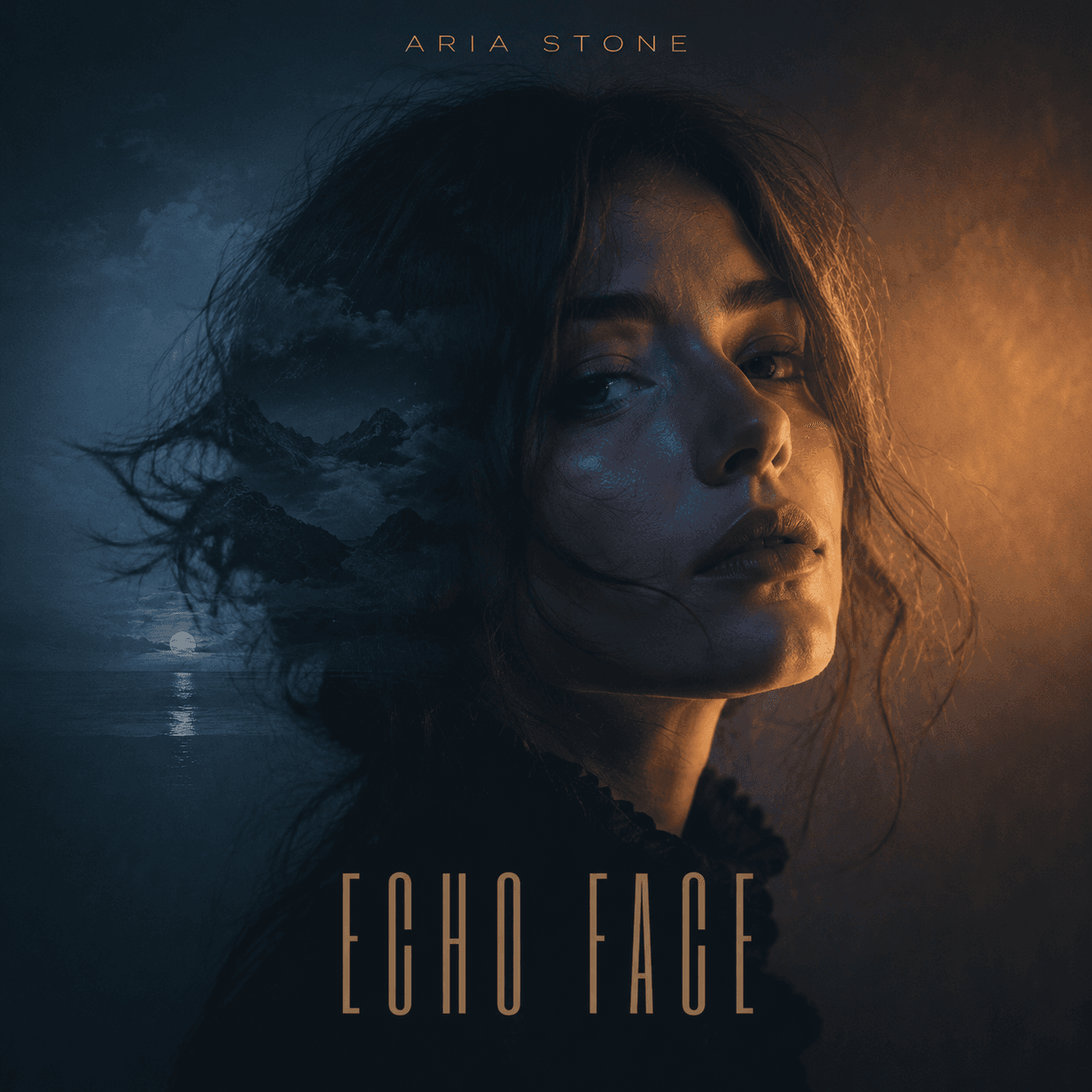
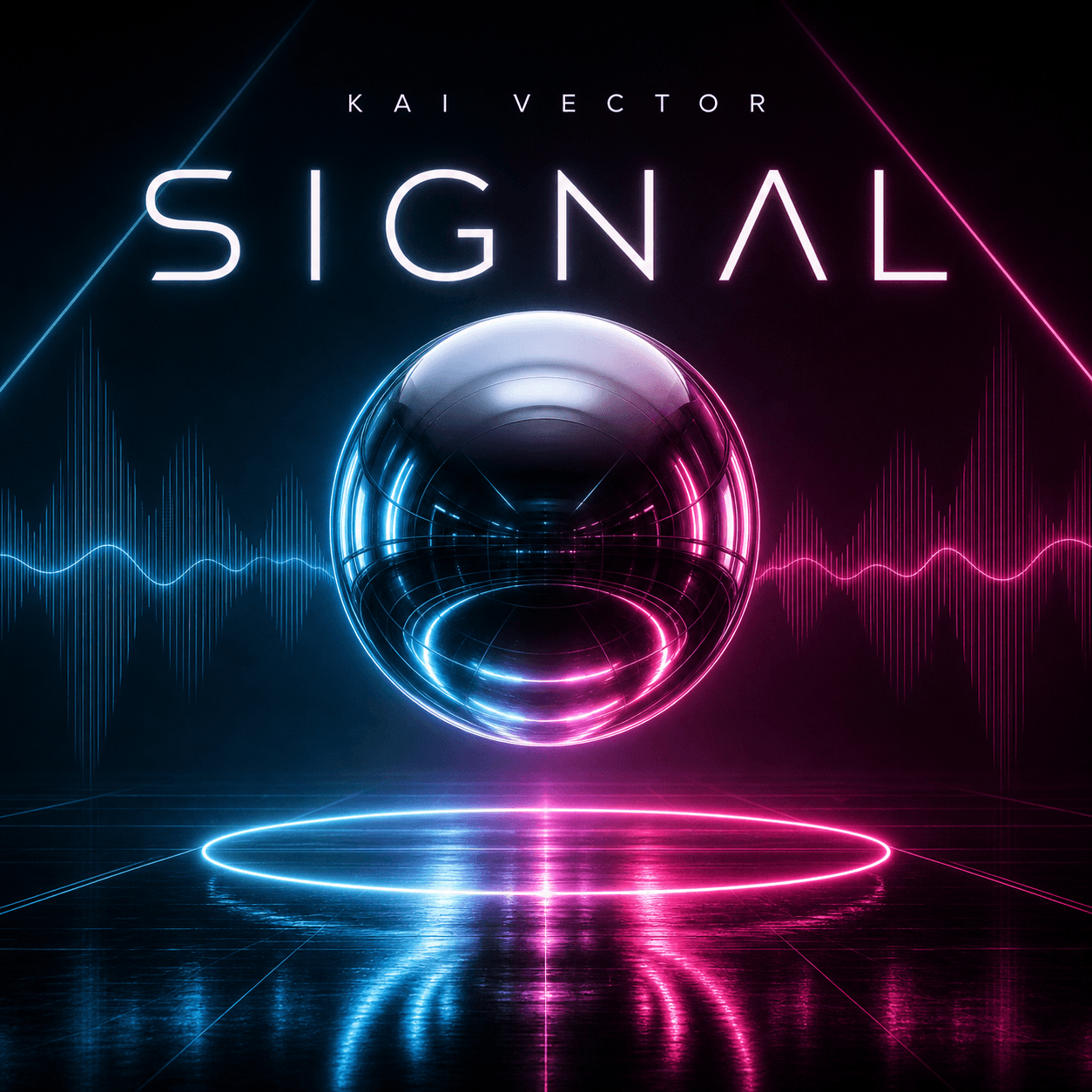
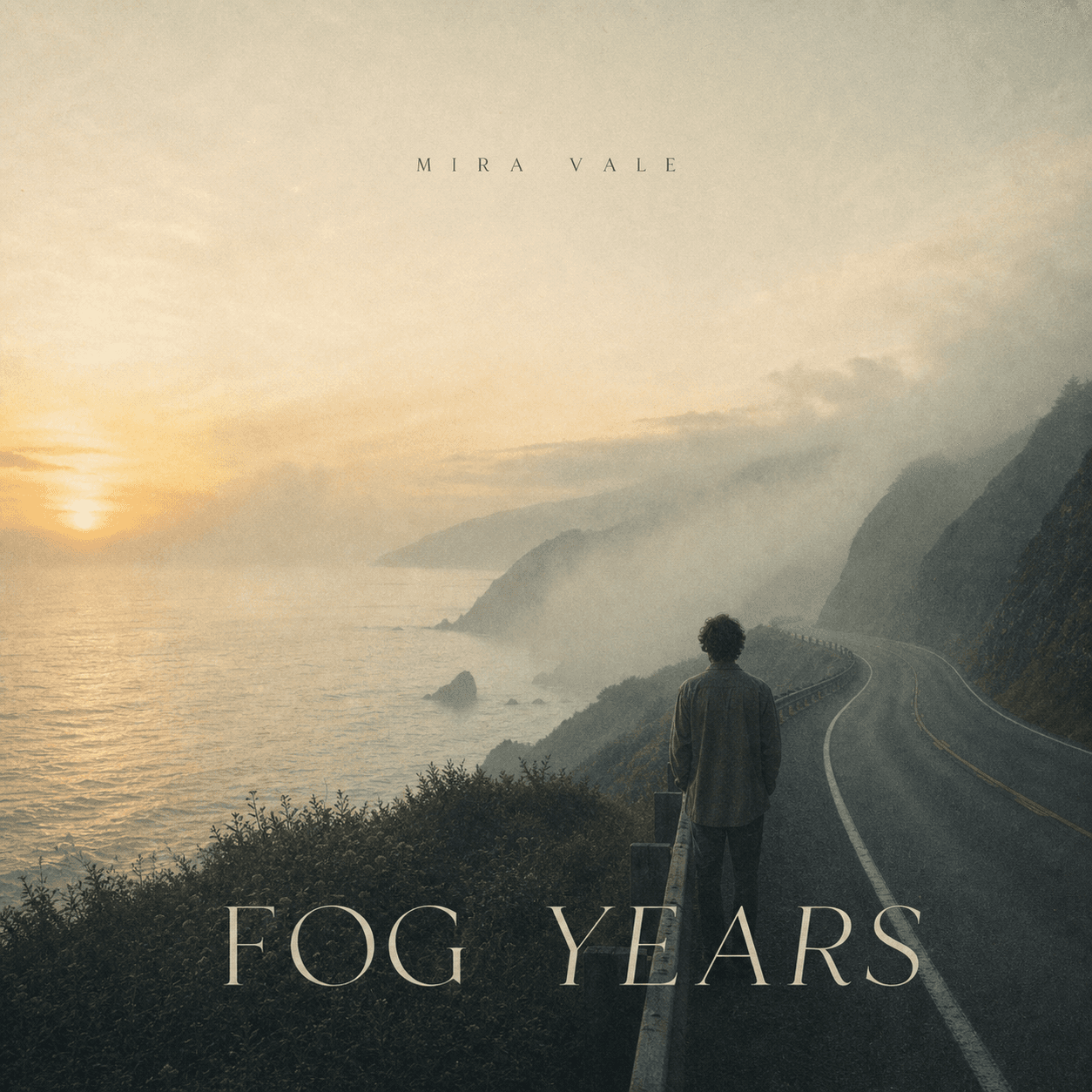
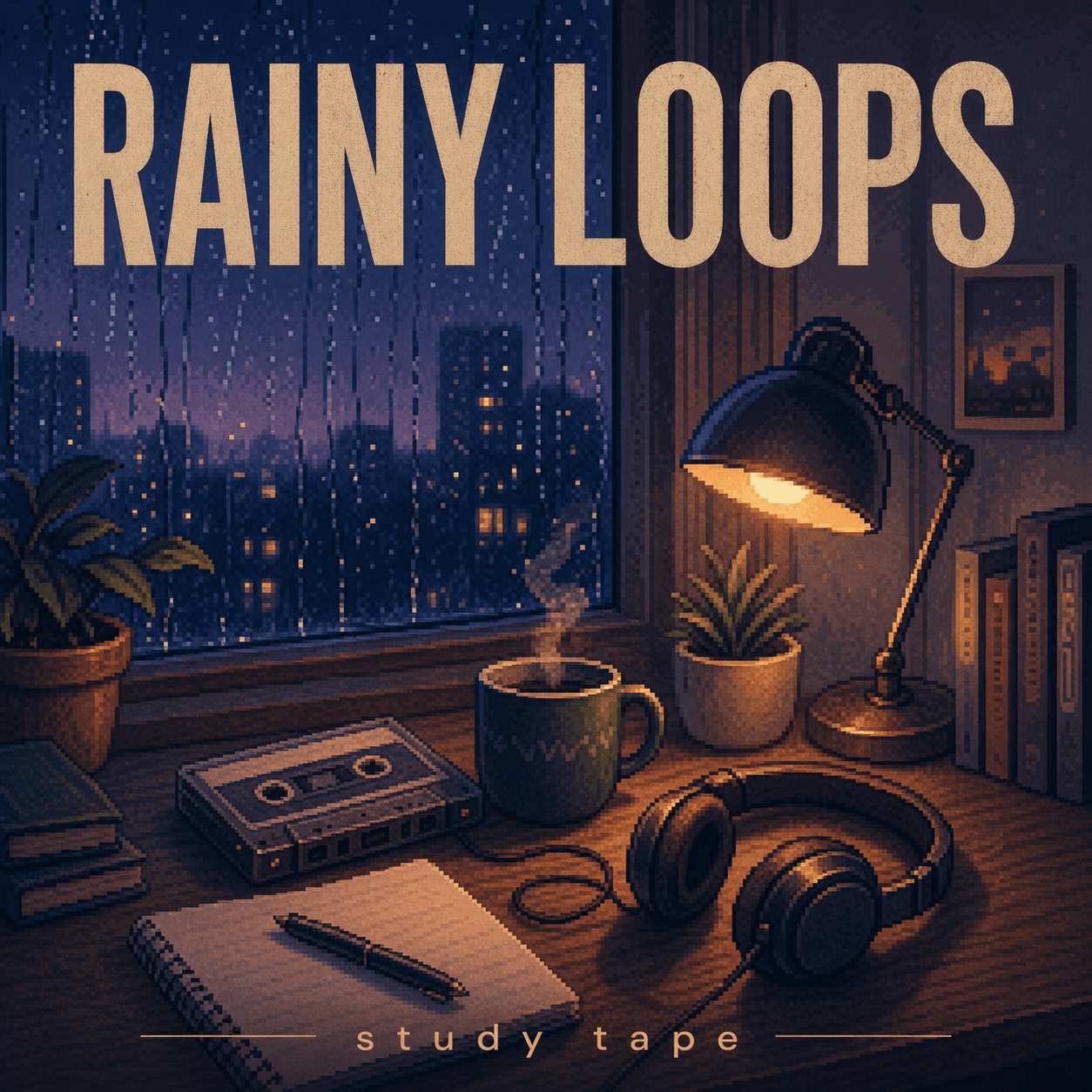
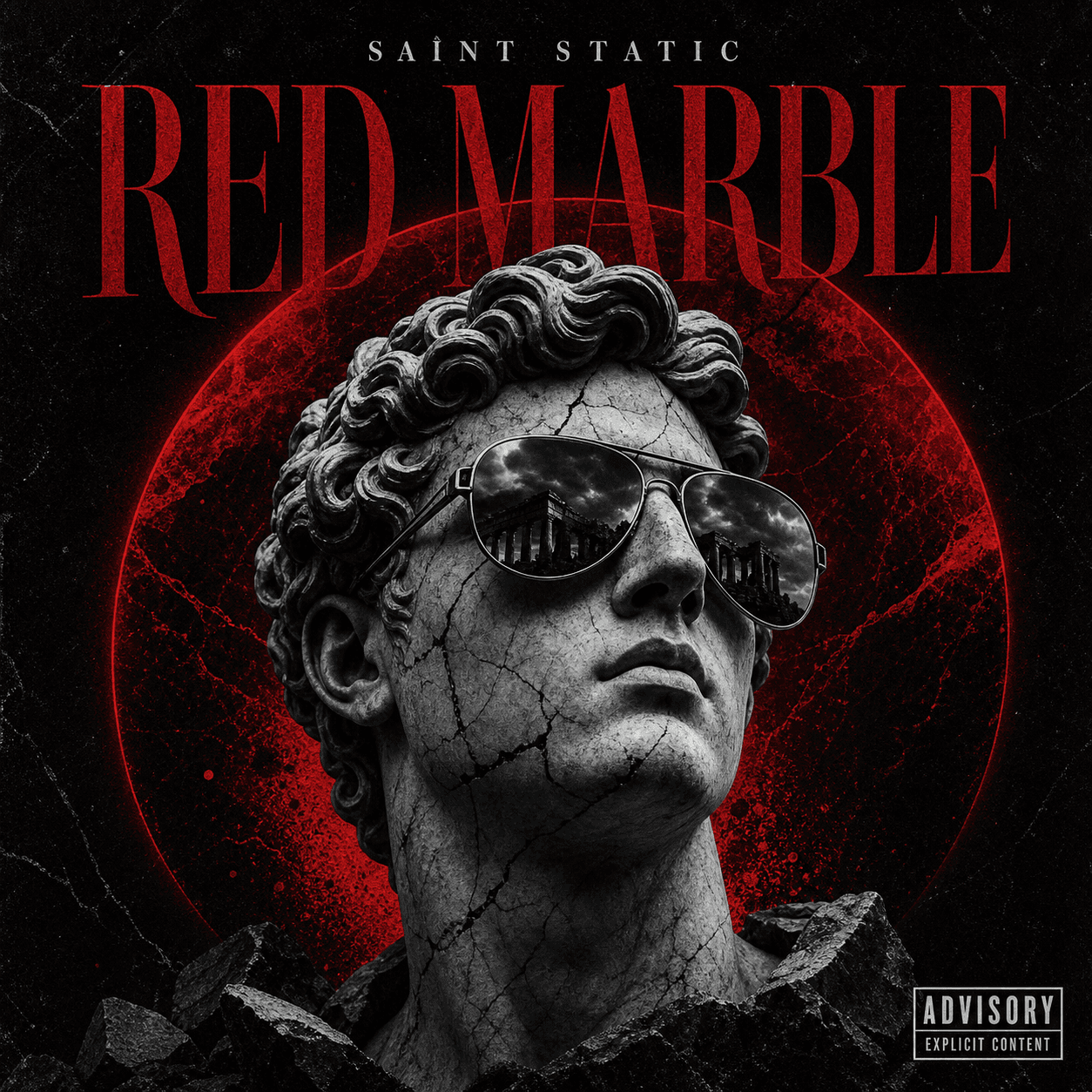
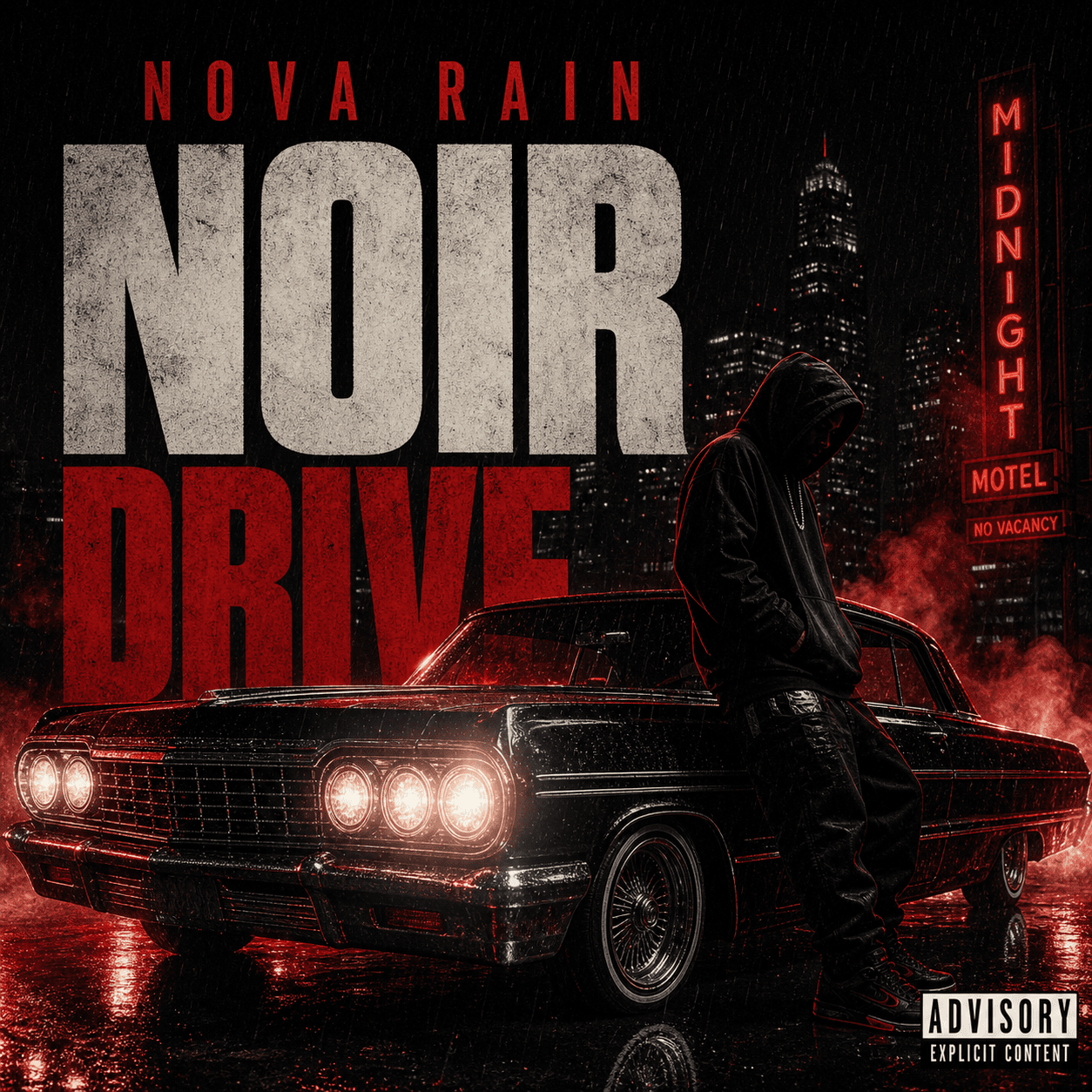
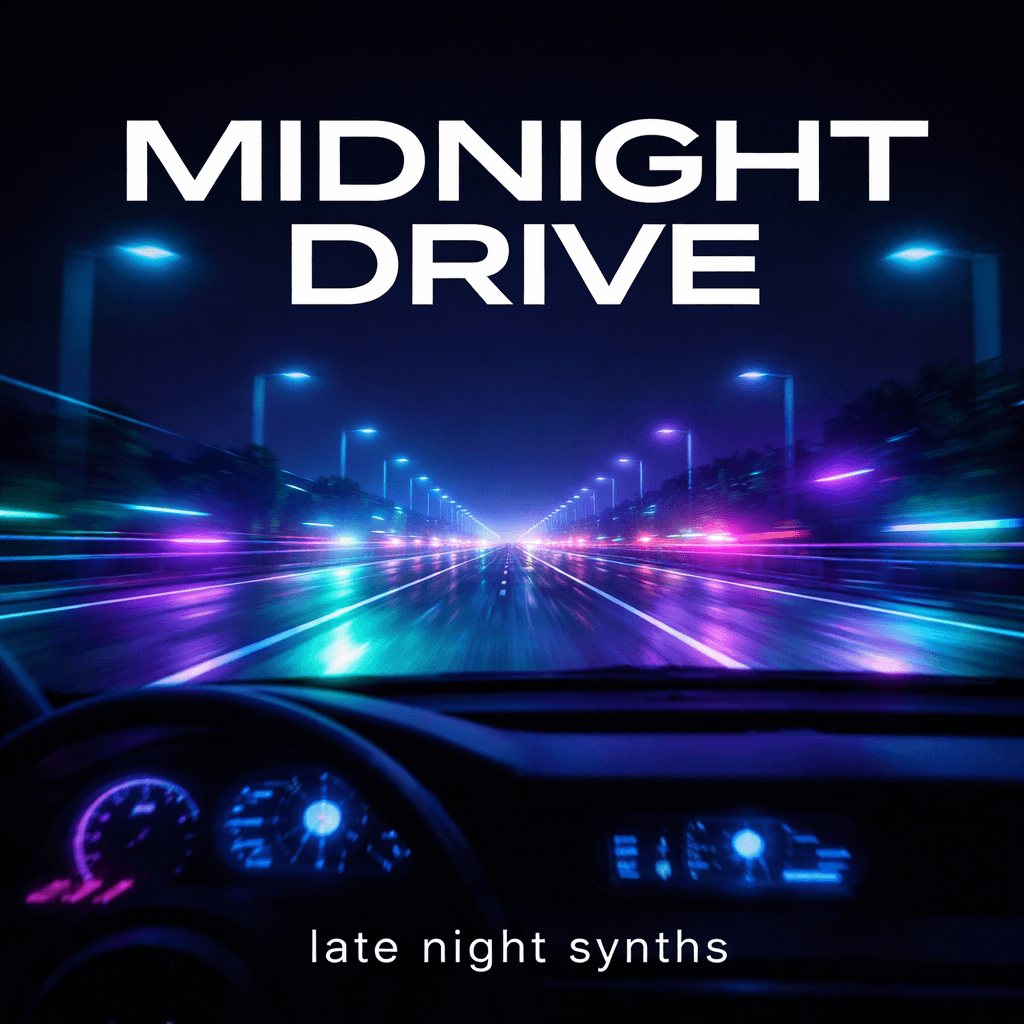
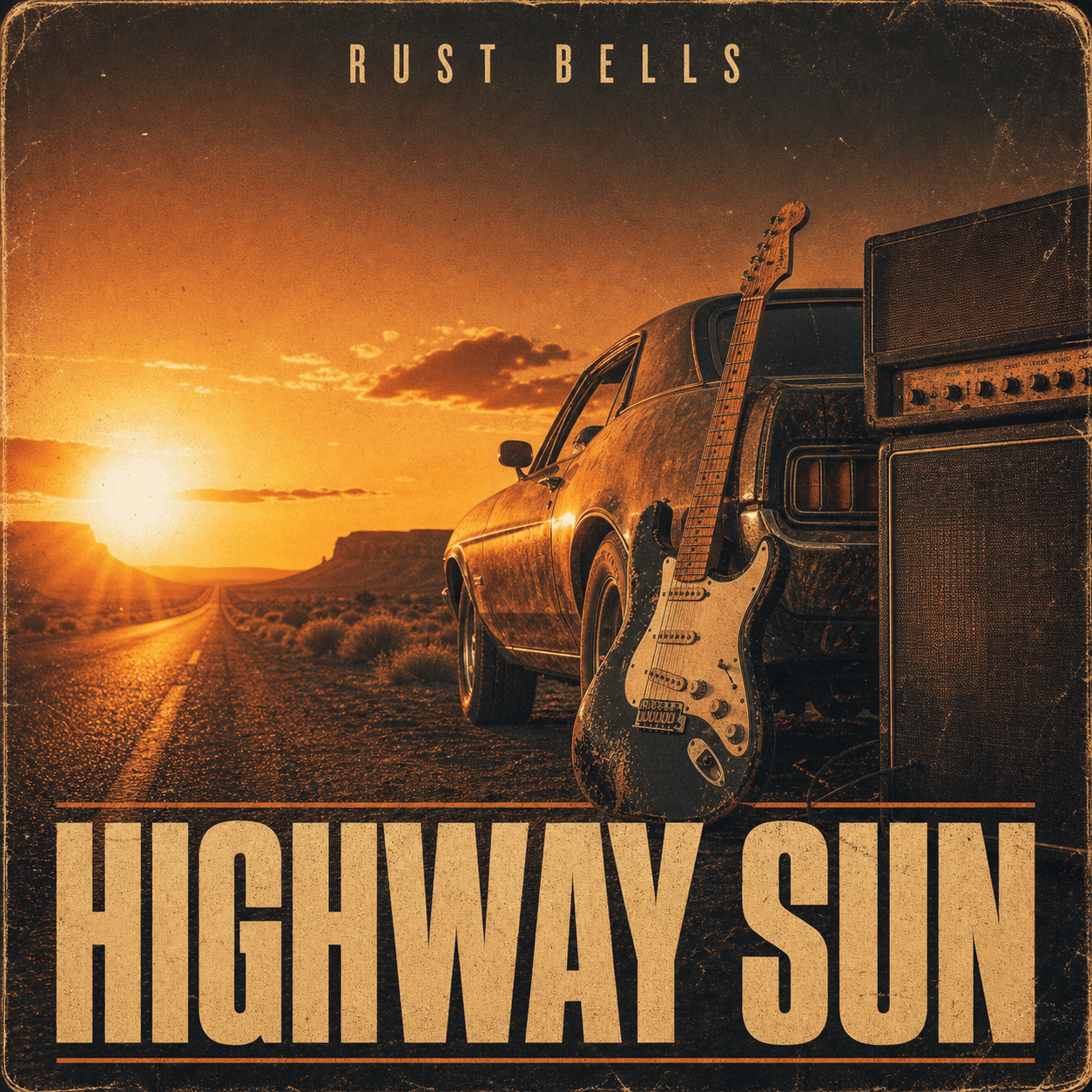
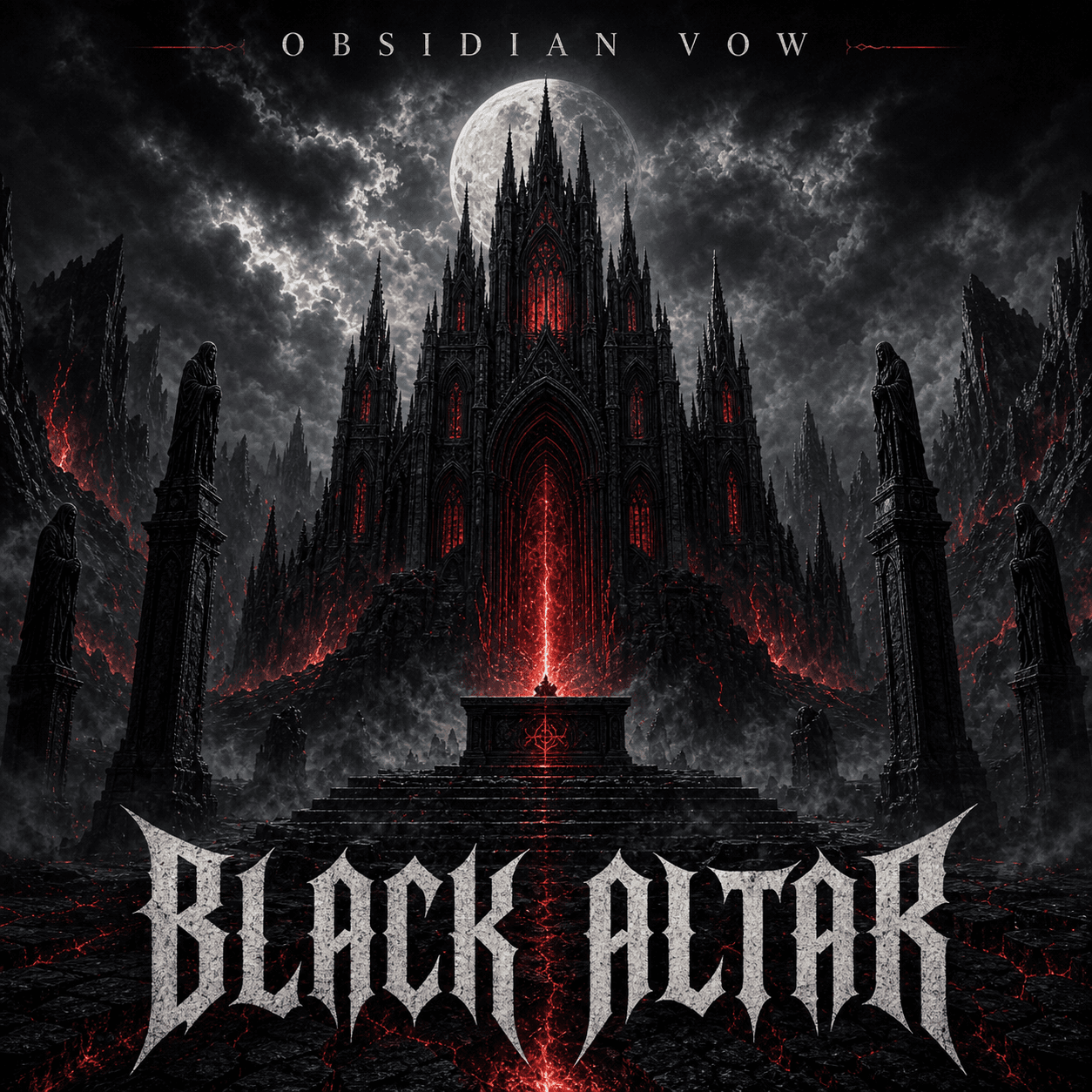
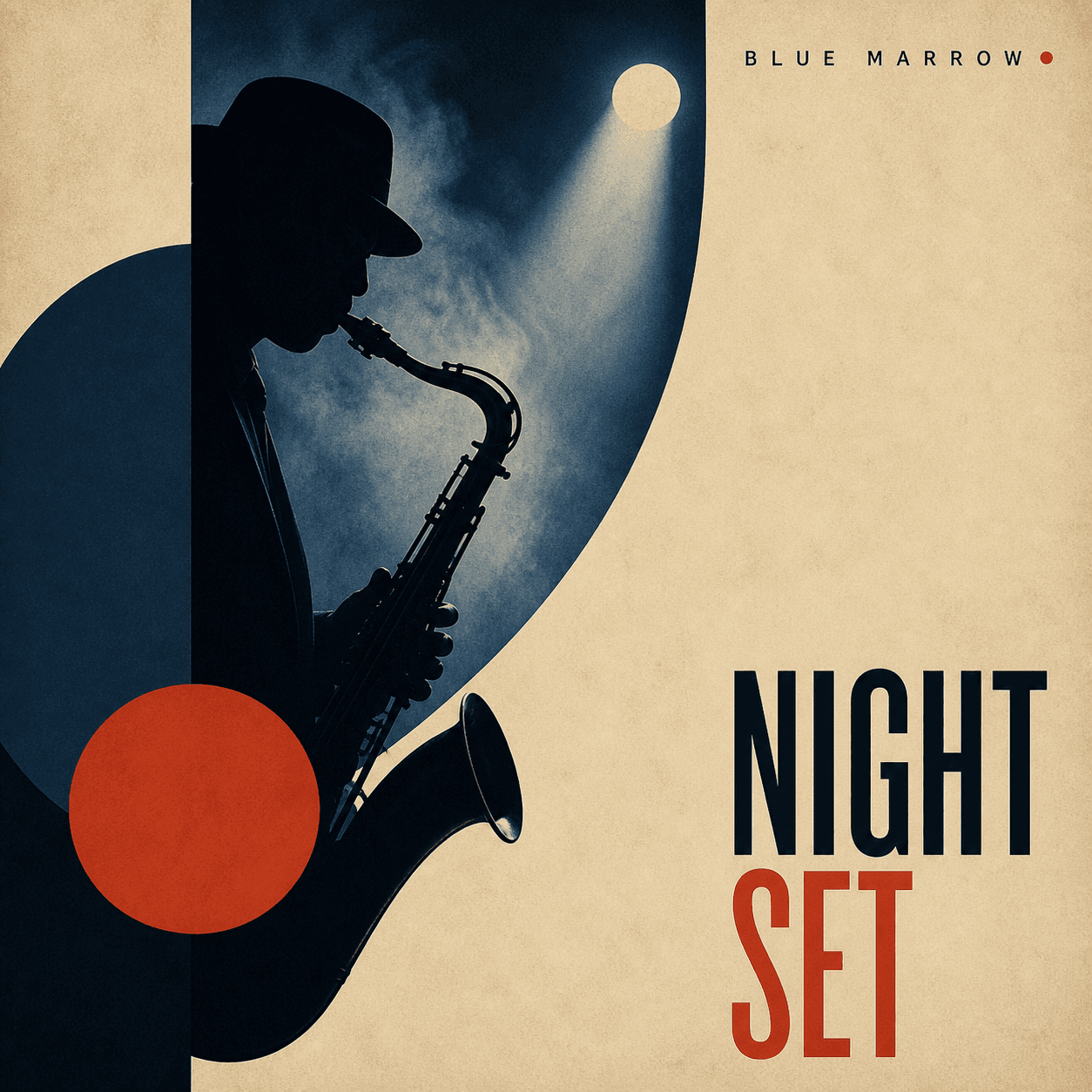
Song artwork for streaming releases
Single Cover Maker
Turn one track into one recognizable square visual. Start from a title, lyric, mood, genre, photo, or symbol, then refine the art direction for the release.
Make single cover artQuick answer
A single cover maker creates focused artwork for one song, with a clear visual hook, title-safe composition, and enough contrast to remain recognizable in streaming thumbnails.
Three real scenarios
Use one generator for three common release workflows
Debut single
Introduce the artist in one frame
Use a portrait, logo, signature color, or location to establish an identity listeners can recognize again.
Lyric-led concept
Turn one line into the visual hook
Choose a concrete symbol or scene from the song instead of illustrating every idea at once.
Release series
Keep several singles visually connected
Reuse a palette, crop, type system, or framing device while changing the central image for each track.
What it means
What is a single cover maker?
It is a focused album-art workflow for one-track releases. The generator uses the song title, artist identity, genre, mood, lyric cues, palette, and references to create square artwork that can be revised without rebuilding the concept from scratch.
How it works
Create the cover in three steps
- 1
Name the song and mood
Add the title, artist, genre, energy, key lyric, audience, and where the cover will appear.
- 2
Choose one visual hook
Describe a portrait, object, symbol, landscape, texture, or typographic idea that can carry the cover.
- 3
Test the thumbnail
Refine the crop, contrast, title size, and negative space until the artwork remains clear when reduced.
Common questions
Single Cover Maker FAQ
What should be on single cover art?
Use one strong visual idea, the song title when needed, the artist name, and a composition that supports the mood without becoming too busy at thumbnail size.
Can I make a single cover from an artist photo?
Yes. Upload the photo, say what must remain recognizable, and describe the background, color treatment, crop, lighting, and title placement.
Should a single cover be square?
A high-resolution 1:1 square master is the safest starting point for most streaming services. Check your distributor's current pixel and file requirements before release.
Can I make several covers for a rollout?
Yes. Keep the artist identity, palette, and type direction consistent, then change the central image or title for each single in the campaign.
Keep exploring
Related cover tools, templates, and guides
Ready to create?
Make single cover art from your own release idea
Open the generator, add your title, artist, genre, mood, and references, then refine the result in the same workspace.