
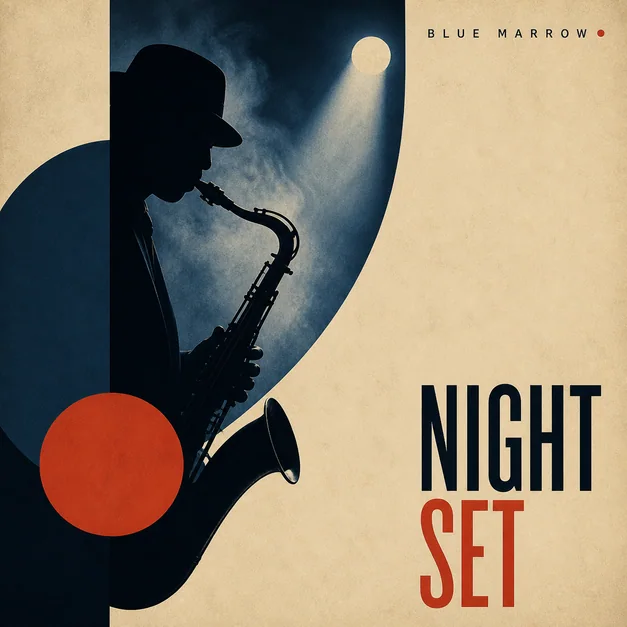
Jazz cover designStyleCinematicAspect1:1
Create release-ready cover art from a prompt or photo.
The fastest way to make album cover art online. Generate covers for singles, EPs, mixtapes, playlists and albums - keeping genre, mood, title space and streaming-ready composition intact.
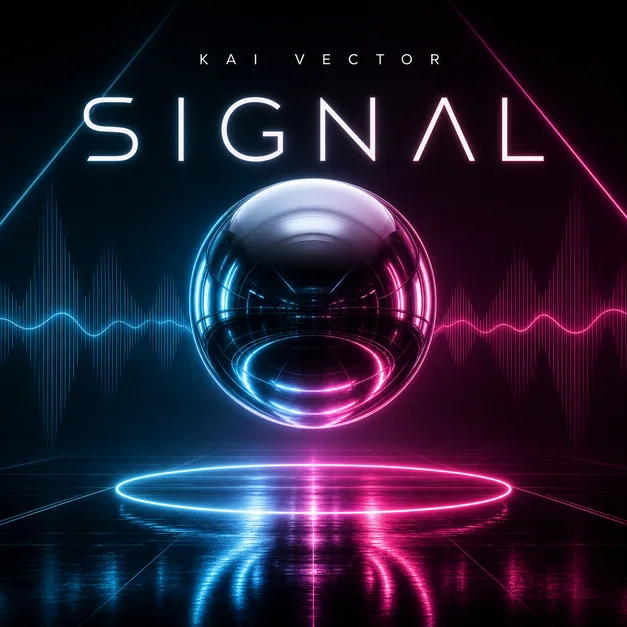
From quick drafts to release campaigns - one AI album cover generator handles the core artwork needs.
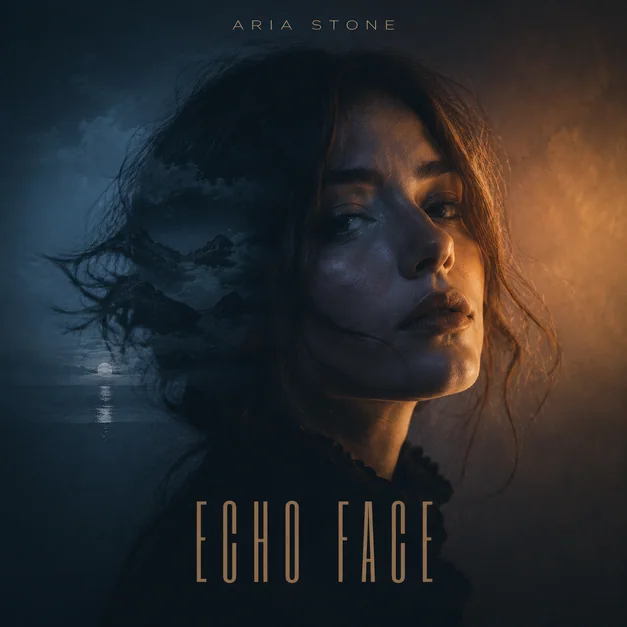
Turn a song title, genre, and mood into square cover art that reads clearly in Spotify, Apple Music, and social previews.

Describe the sound, symbols, palette, and title placement, then generate polished cover directions for complete releases.
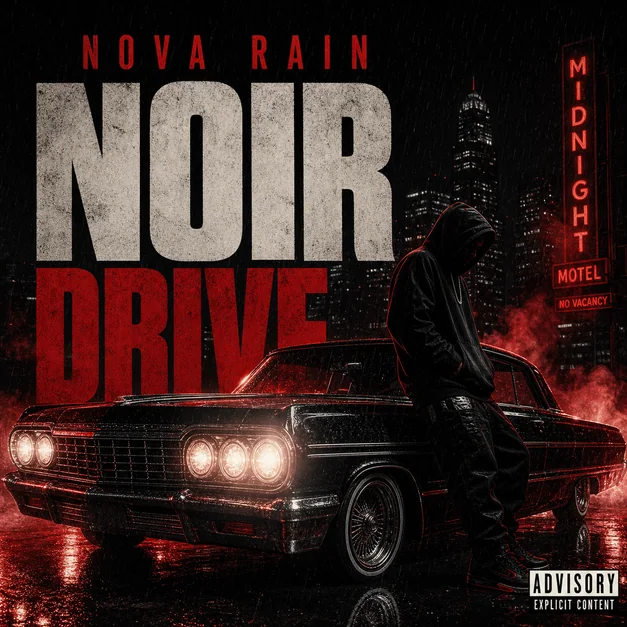
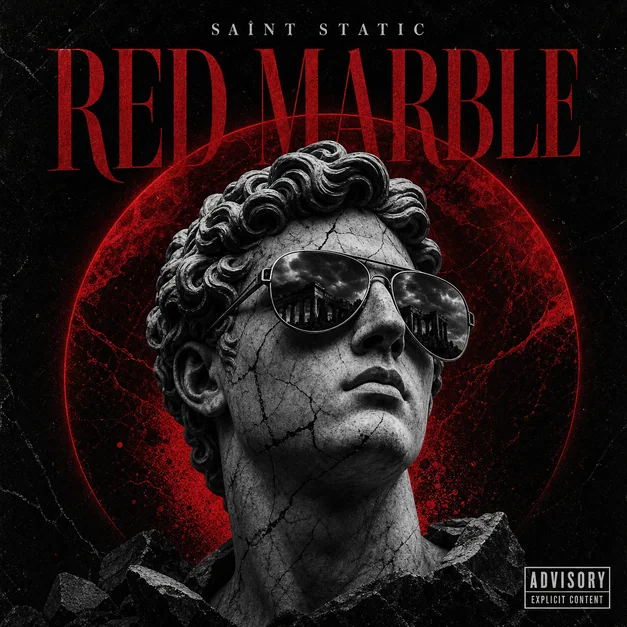
Build dramatic rap, trap, drill, or streetwear-inspired cover art from a prompt, artist photo, or rough release idea.


Use genre, color, setting, and typography notes to create focused artwork for short releases and independent drops.
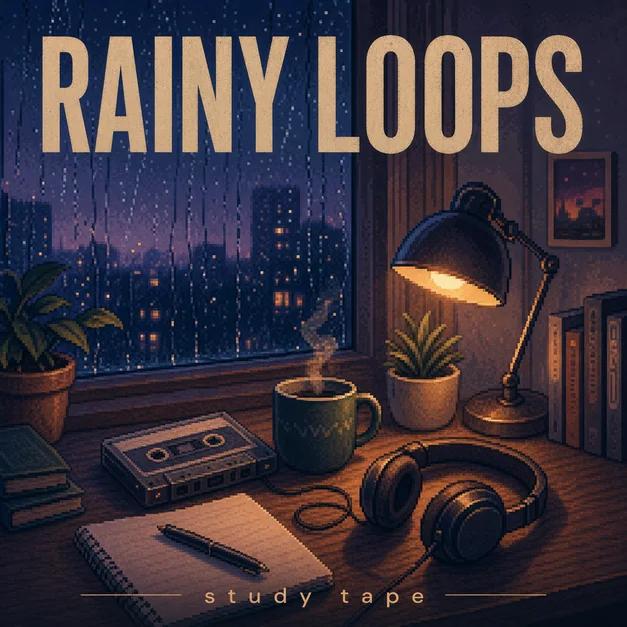
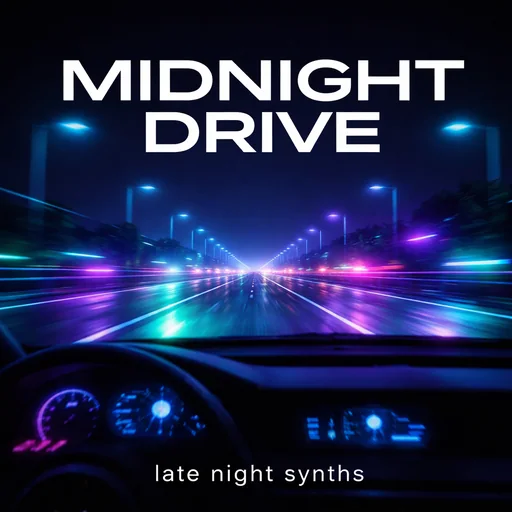
Make clean, scroll-stopping cover art for lofi, workout, chill, electronic, party, seasonal, and branded playlists.

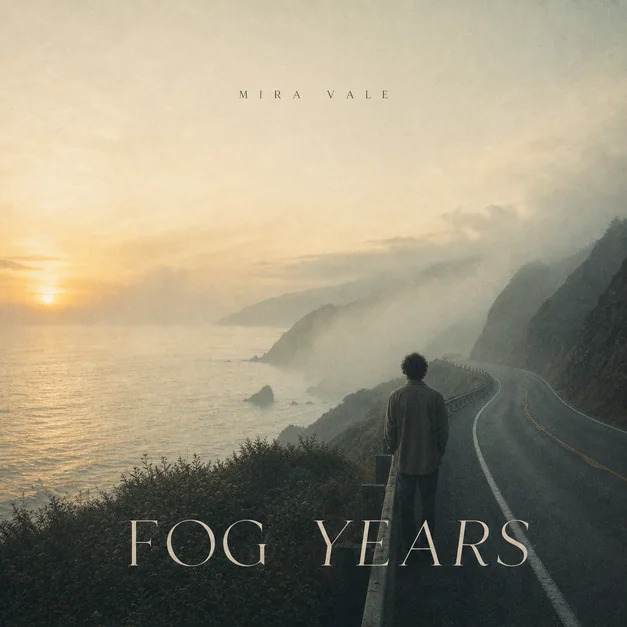
Start with a streaming-ready square composition, then reuse the same direction across release posts and campaign assets.
Every page opens the same generator with guidance, examples, and FAQs matched to one distinct search intent.
Create hip-hop, trap, drill, and rap artwork around an artist, title, scene, or symbol.
Explore Release typeBuild bold square artwork for a mixtape, independent drop, or connected release series.
Explore Release typeTurn one song title, lyric, mood, or portrait into one focused visual idea.
Explore PlatformCreate recognizable playlist artwork for a mood, genre, season, activity, or curator brand.
Explore FormatDevelop the square master before adapting it to a printer's insert and bleed template.
Explore InspirationBrowse genre, format, photo, typography, and mood directions with reusable starter prompts.
Exploreaialbumcovermaker is an online AI album cover generator for musicians, producers, labels, podcasters, playlist curators, and independent artists. Describe your release title, artist name, genre, mood, color palette, typography direction, or upload a reference image, and generate square cover art for albums, singles, EPs, mixtapes, playlists, Spotify, SoundCloud, Apple Music, and release campaigns.
aialbumcovermaker is built for music artwork workflows, from fast concept generation to high-resolution cover exports.
No design skills needed. Generate release-ready album cover art online in minutes.
Enter the title, artist name, genre, mood, colors, typography direction, and any visual references you want the cover to follow.
aialbumcovermaker creates square cover artwork with composition, title space, genre mood, and streaming thumbnail contrast in mind.
Keep editing through chat, then use the finished cover for Spotify, Apple Music, SoundCloud, playlists, and release campaigns.
Monthly subscriptions with lower annual pricing available.
See full pricing →The generator handles visual direction and iteration. These parts still need a human check or a specialist production tool.
The generator creates the artwork, but your distributor decides the current pixel, color, file, copyright, and text requirements. Check those rules before publishing.
AI image models can misspell small text. Treat generated lettering as art direction and verify every title, artist name, credit, and advisory mark before release.
A square front cover is not a print-ready package. Spines, backs, booklets, barcodes, bleed, and dielines still need the exact template from your manufacturer.
Only upload and publish material you have permission to use. A generated variation does not give you rights to someone else's photo, logo, character, or artwork.
Most album covers should start as a 1:1 square composition. A high-resolution square gives you room to crop, revise, and export for streaming platforms, social previews, and printed release assets. When prompting aialbumcovermaker, ask for square album cover artwork with a clear subject, readable title area, and strong thumbnail contrast.
A strong album cover quickly communicates the sound and identity of the release. aialbumcovermaker is built around a rich album cover inspiration library, helping the AI follow proven cover-art patterns across genres, layouts, typography, and visual moods. Use one clear visual idea, colors that match the mood, typography that stays readable, and enough contrast for the artwork to work as a small streaming thumbnail.
Yes. Upload one or more reference images, such as an artist photo, band image, sketch, texture, logo, or moodboard, then tell aialbumcovermaker what to keep and what to change. You can use references as the main subject, style direction, or rough concept, then keep editing through chat so aialbumcovermaker can adjust the background, colors, composition, title space, and overall cover mood based on the context.
Most front covers include the release title, artist name, and a visual subject, symbol, portrait, texture, or typographic treatment that matches the genre. Keep the front focused so it is easy to recognize in a music app. For physical CD or vinyl releases, the back cover can also include a track list, credits, label details, contact information, website or social links, and barcode.
Yes. For Spotify, SoundCloud, Apple Music, playlists, and other streaming surfaces, ask for a clean 1:1 square cover that still reads at thumbnail size. If you need artwork for a poster, CD, vinyl mockup, merch preview, or release campaign asset, describe that format in the prompt so aialbumcovermaker can frame the cover direction around the final use.
Upload a reference, describe your release, and generate streaming-ready cover art. Start with 50 free credits.